TLDR;
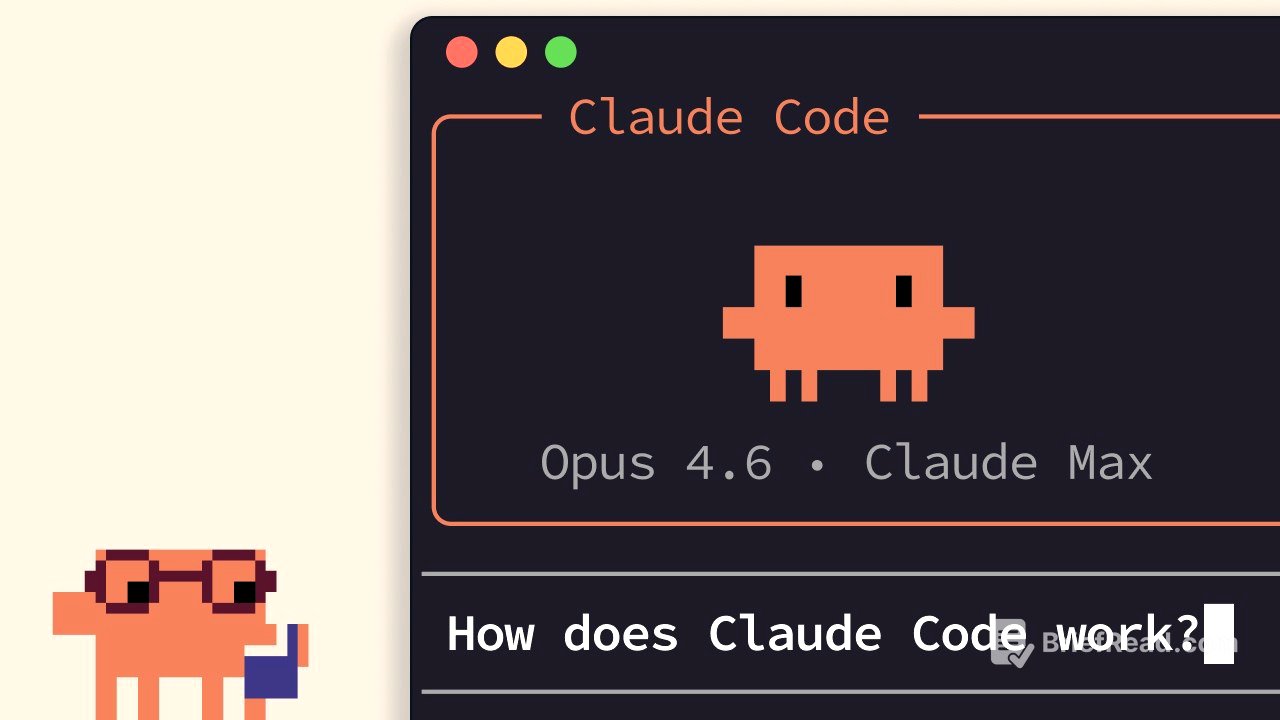
Claude Code operates differently from typical chat applications through an agentic loop, managed context window, tools, and configurable permissions. It iteratively refines its actions based on prompts, utilizing tools to interact with the environment, and verifying results. Claude Code also manages context by compacting conversations and uses permission modes to control its actions, offering a more interactive and autonomous coding experience compared to standard chat interfaces.
- Agentic Loop: Claude Code uses an agentic loop to process prompts, gather context, take actions, and verify results iteratively.
- Tools: Tools are used to execute code and perform tasks like reading files or searching the web.
- Permission Modes: Claude Code has configurable permission modes to control its actions, including asking for explicit permission before editing files or running commands.
How Claude Code Works [0:04]
Claude Code functions through an agentic loop. When a prompt is entered, Claude Code gathers the necessary context to fulfill the request. It interacts with a model that returns either text or a tool call, which Claude Code then executes. Actions are taken, such as editing a file or running a command. The results are verified to ensure they align with the initial prompt. If the results are satisfactory, Claude Code completes the task and awaits the next prompt. If not, it re-enters the loop until the results are complete and verifiable. Users can add context, interrupt the process, or guide the model throughout this loop.
Context Window [1:03]
Claude has a context window that determines how much of the conversation, file contents, and command outputs it can store and reference. When the context window reaches its limit, Claude Code compacts the conversation. This process automatically identifies and removes less relevant information while summarizing key details to reduce the context window size.
Tools [1:26]
Tools are fundamental to how Claude Code and other agents operate. Unlike typical AI assistants that only handle input and output text, Claude Code uses tools to determine when to execute code to achieve a task. Examples of tools include the "read file" tool and the "search web" tool. Claude Code uses semantic searching to decide when to invoke a tool and utilize its output.
Permission Modes [1:52]
Claude Code operates with different permission modes. By default, it requires explicit permission before editing a file or running a shell command. Users can toggle between modes using shift and tab. The "auto accept edits" mode allows Claude Code to edit files without asking for permission but still requires permission for commands. "Plan mode" uses read-only tools to develop a plan of action before execution. Caution is advised when bypassing permissions, as granting Claude Code unrestricted command execution can make it harder to catch mistakes.
Summary [2:29]
Claude Code combines agentic concepts, including an agentic loop, a managed context window, tools, and configurable permissions, within a terminal environment. It can analyze codebases, take actions, and verify its own work, distinguishing it from a standard chat interface.