TLDR;
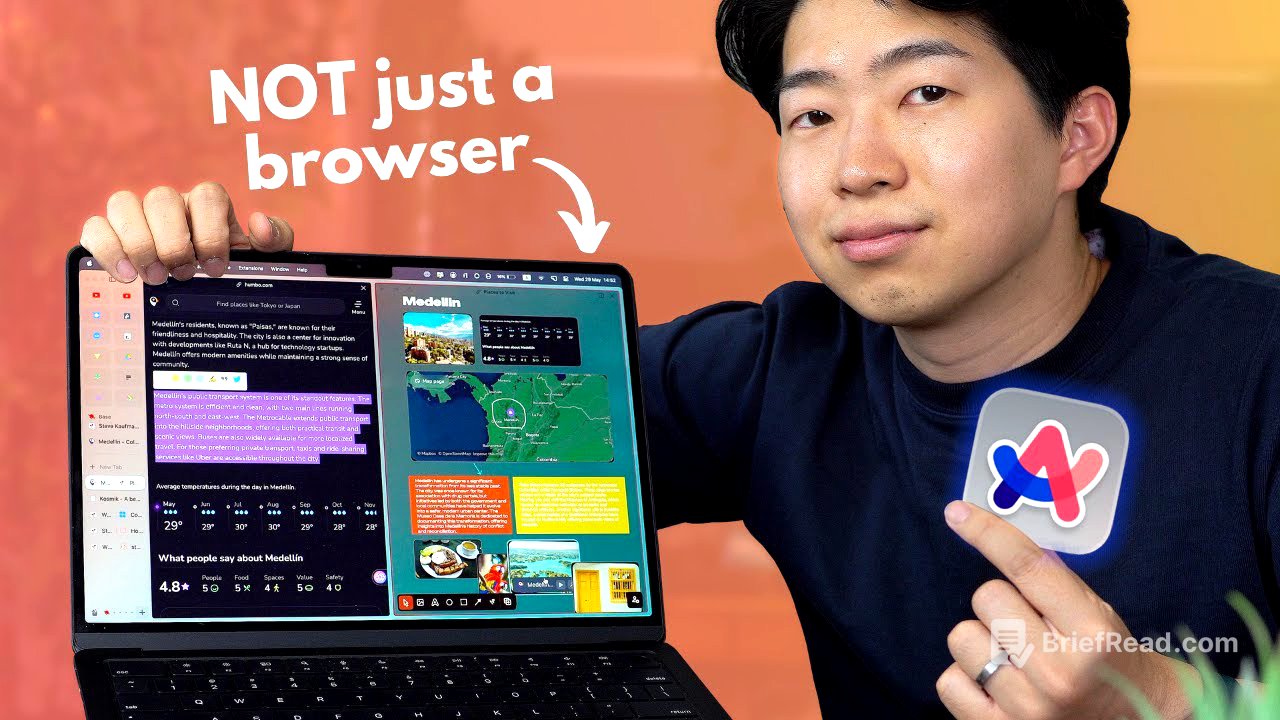
Shu Omi discusses why Arc Browser remains his preferred choice after trying various alternatives. He highlights its playful design, efficient information collection and organization features, and the convenience of its mobile app. The video also covers Arc's unique "Call Arc" function and its impressive AI summarization capabilities, emphasizing the browser's ability to sync tabs across devices for a seamless workflow.
- Arc Browser's playful design and user-friendly features make it enjoyable to use for both work and leisure.
- The browser's information collection and organization tools, like Easel and Arc Capture, streamline research and brainstorming.
- Arc's mobile app and AI-powered features, such as "Call Arc" and pinch-to-summarize, enhance productivity and accessibility.
Intro [0:00]
Shu Omi introduces Arc browser, noting that he has been using it for over a year. Despite trying other browsers like Sigos, Sidekick, and Cosmic, he consistently returns to Arc due to its speed, utility, and enjoyable user experience. He emphasizes that Arc feels more playful compared to typical web browsers, making it a joy to use even for work-related tasks.
Why Arc Browser is So Fun to Use [0:34]
The speaker elaborates on the playful design and features of Arc Browser, citing the "Call Arc" update as an example. This feature allows users to initiate a call with AI by raising their phone to their ear, enabling them to interact with the AI like a real person. Initially a Mac exclusive, Arc is now available for Windows, making it accessible to a broader audience.
Arc Windows App [1:16]
The speaker mentions that Arc is now available for Windows, encouraging users who don't have a Mac to try it out.
How I Collect and Organise Information with Arc [1:30]
Shu Omi's favorite aspect of Arc is its ability to quickly collect and organize information. He uses the whiteboard feature, called "Easel," for research and brainstorming. By splitting the screen using a keyboard shortcut, he can browse the web on one side and organize information on the other. The Arc capture feature allows him to select and capture specific parts of a webpage, such as paragraphs, pictures, or videos, and send them to the Easel. These captures are not simple screenshots; they link back to the original source, ensuring the information is up-to-date. Users can share the Easel with others, allowing them to view or edit the page, even if they are not Arc users themselves.
Dex - One place for your relationships (sponsor) [4:12]
The video includes a sponsorship segment for Dex, a tool used to organize relationships and contacts. Dex helps users connect with new people and stay in touch with friends and business contacts. It allows importing contact details from various social networking sites, adding notes, and setting reminders. Dex also offers an AI-powered tool for crafting responses on LinkedIn. The platform provides a unified dashboard for all contacts, including those imported from Facebook and Gmail, and features a "boost reminder" to maintain connections.
Arc Search [5:29]
The speaker appreciates the ability to view the Easel on mobile, making it convenient to access gathered information on the go. Although initially not fully satisfied with the mobile app, he now enjoys using it.
Call Arc [5:50]
The "Call Arc" feature is highlighted as both fun and useful, allowing users to initiate conversations with AI as if making a phone call. While there is a slight delay in response, it is generally manageable. On newer iPhones, the action button can be assigned to initiate "Call Arc" for quick access. The speaker uses a Bitmore Lab iPhone case with an extra action button to activate this feature.
Pinch to Summarise [6:47]
Arc's AI summarization capabilities are praised for their effectiveness in structuring information in an easy-to-digest format. The pinch-to-summarize feature allows users to summarize any webpage on mobile, offering excellent readability and ease of use. Tabs can be synced across devices, enabling users to collect tabs on the go and continue their work on a computer later. This workflow has become the speaker's preferred method for research.