TLDR;
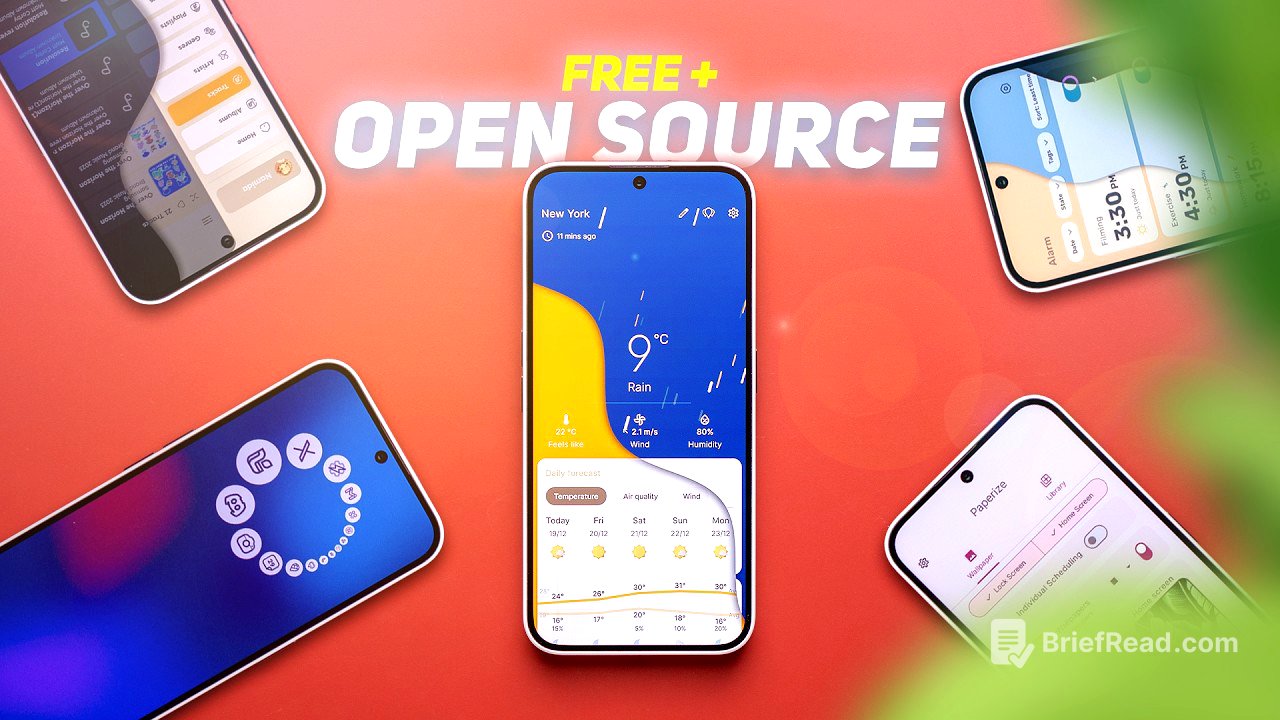
The video showcases 20 free and open-source Android applications aimed at enhancing the user experience on various devices. Key features include customization options, utility improvements, and enhanced functionality for daily tasks.
- Introduction of QuickTiles app for advanced quick settings.
- Overview of utility apps for improved performance and customization.
- Recommendations for managing media sharing and music playback efficiently.
QuickTiles [0:00]
The video begins with the introduction of the QuickTiles app, which allows users to customize their quick settings panel. Users can enable toggles for features like adaptive brightness and USB debugging and add them directly to their quick settings. The app is free and open-source, enhancing usability greatly.
Introduction [0:44]
The host welcomes viewers and explains that the video will highlight 20 completely free and open-source applications for Android, emphasizing their utility and the benefits of open-source software.
Always On Display Toggle [1:01]
This section introduces the Always On Display Toggle app, which allows quick access to turning the always-on display feature on or off. The host notes that it requires the Shizuku app for functionality, making it easier for users to manage this feature.
Private DNS Quick Toggle [1:20]
The Private DNS Quick Toggle app is mentioned next, which provides an easy method to enable or disable the private DNS settings with just one toggle instead of navigating through the settings menu, showcasing its convenience.
Paperize [1:46]
Paperize is introduced as an app that automatically changes the phone's wallpaper after set intervals. Users can create a library of images and customize how frequently the wallpapers change, offering a fresh look to the home screen regularly.
Pie Launcher [2:16]
The Pie Launcher presents a unique home screen experience, replacing traditional icons with a floating P menu that appears on pressing and holding the screen. This minimalist design focuses on user-friendliness by showcasing favorite apps in a clean interface.
Canta [2:38]
Canta allows users to uninstall unwanted bloatware with ease. It lists all apps on the device, allowing users to select and remove apps quickly, including system apps. There's also an option to restore uninstalled apps, simplifying the management of device storage.
Install With Options [3:11]
The Install With Options app provides advanced settings for sideloading applications on Android, such as bypassing the Android 14 target SDK limit and automatically granting permissions during installation, which enhances user control over app installation.
SaverTuner [3:45]
SaverTuner offers extensive controls for battery saving options. Users can choose from multiple pre-built profiles to optimize power consumption, with the ability to adjust settings for even better battery life management according to their needs.
File Navigator [4:11]
File Navigator helps organize files in the downloads folder by allowing users to set specific rules for moving file types into designated folders, making file management much less chaotic and improving accessibility.
FFShare [4:36]
FFShare is designed for sharing large media files easily. The app compresses files without significantly losing quality and removes EXIF tags for privacy protection, facilitating seamless sharing.
Lumolight [4:56]
Lumolight brings additional features to using the phone's flashlight. Users can adjust the torch's intensity, set timers for automatic shut-off, and even use the screen as a customizable light source.
LocalSend [5:24]
LocalSend serves as an open-source alternative to file sharing that functions across different platforms like iOS, Android, Windows, and Mac. It works seamlessly for sharing files when installed on both devices involved.
Tidy [5:47]
Tidy helps users manage their photo library efficiently by indexing every photo on the device and allowing for keyword searches to find specific images, mimicking AI functionalities found in other devices.
NetGuard [6:29]
NetGuard provides options to block specific apps from accessing the internet, which helps in managing data usage and preventing unnecessary background activity in applications.
ShizuTools [6:52]
ShizuTools unlocks a variety of Shizuku-related features, offering users tools like mixed audio playback from different apps and individual app audio control, enhancing the audio experience on Android devices.
Namida [7:21]
Namida is presented as an efficient offline music player with a visually appealing interface and built-in video playback capabilities, making it a great choice for music lovers looking for local playback options.
Redomi [7:49]
Redomi assists users in opening music links from apps they do not have installed by providing a list of alternative music streaming options to open the link in the user's preferred app, enhancing accessibility.
Breezy Weather [8:23]
Breezy Weather is a comprehensive open-source weather app that offers rich weather information and visually appealing widgets for the home screen, making it a solid choice for those seeking reliable weather forecasting.
Fadcam [8:38]
Fadcam allows users to record videos without needing to keep the camera app open, providing convenient options for capturing footage while using other apps on the phone seamlessly.
Chrono [9:05]
Chrono is a beautifully designed clock app that serves as an open-source alternative to default clock applications. It includes features for alarms, world clocks, timers, and a stopwatch, with extensive customization options for user preferences.
Final Thoughts [9:33]
The video concludes with a recap of the 20 open-source applications discussed, encouraging viewers to share their recommendations for other free and open-source apps in the comments section to promote community feedback and suggestions.