TLDR;
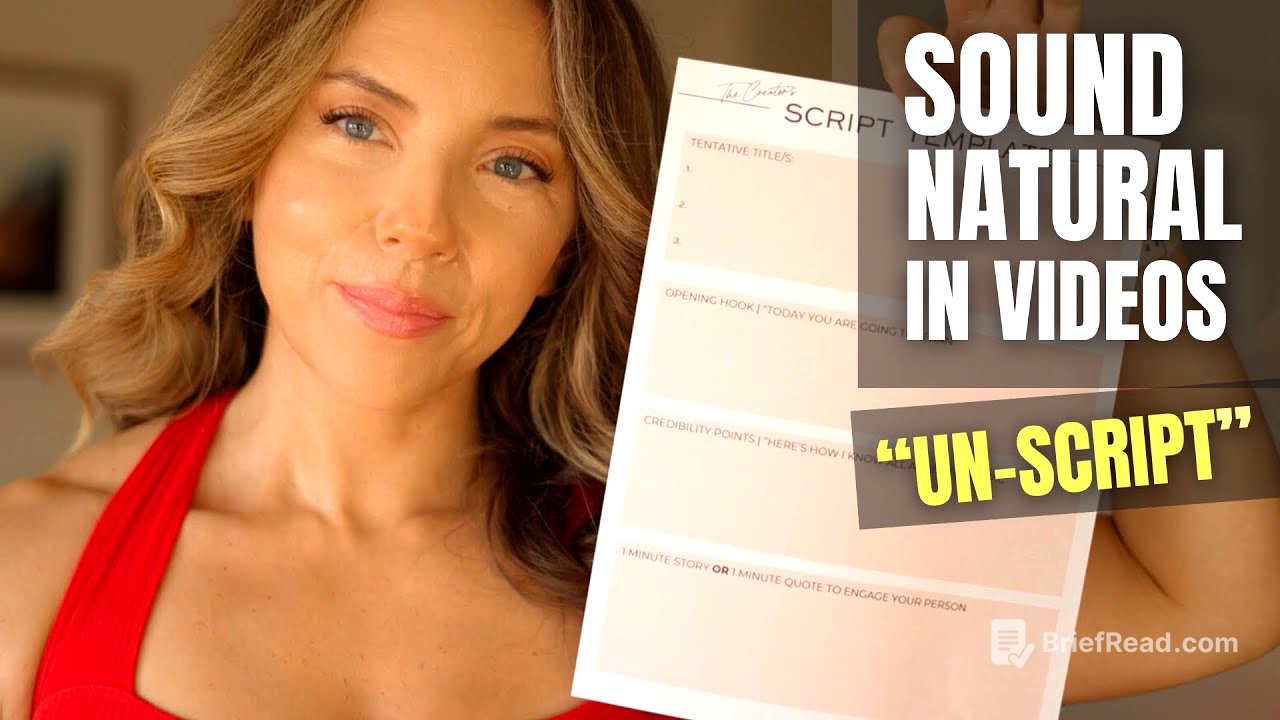
The unscript method helps creators speak naturally and confidently on camera without memorising a script word for word. It uses a clear structure—an opening, credibility, three to five key points and calls to action—then builds familiarity through reading aloud and practising over 24–48 hours.
- Treat content creation as a job and commit to preparing and practising consistently.
- Use a framework to organise ideas, stories and memorable phrases rather than reciting a complete script.
- Guide viewers towards related content and useful products or services in a way that fits the video.
Take Content Creation Seriously [0:00]
Success as a content creator takes sustained work. Turner says many businesses fail and relatively few people succeed at dream jobs such as creating online content, partly because people are not willing to practise and prepare consistently. She encourages creators to treat content creation like a job, put their whole effort into it and develop their abilities over time. Doing so can help them share their talents with an audience and potentially earn more than they expected.
Turner has used her preparation method since 2009 for cooking, fitness and business videos. She says it helps her sound natural while still presenting ideas coherently. The method is called the “unscript” process: instead of memorising a script word for word, creators prepare a framework that makes them familiar with the central ideas and key phrases.
Build an Opening, Credibility and Key Points [4:42]
Begin by confirming the promise made in the video’s headline. Tell viewers what they will learn or experience—for example, “Today I’m going to teach you how to…”—so they immediately understand the purpose of the video. Write out this opening in the template or a word processor.
Next, establish credibility by briefly explaining why viewers should listen. This does not require formal qualifications: relevant experience, books you have read, time spent studying a subject or a short story about how you learnt something can all help. Turner says this section may take around 20 seconds to a minute.
Then write down the video’s key helpful points. Three to five related points are usually enough; more can make the video cluttered. Creators who know their subject well can simply speak from these notes. Alternatively, they can expand each point with a few sentences, adding stories, examples, metaphors, taglines or memorable phrases that make the ideas clearer and more engaging.
Plan Calls to Action That Help Viewers [9:49]
Plan how the video will end and where calls to action will appear. Rather than giving a long sign-off that encourages viewers to leave, Turner recommends directing them towards a related video. This helps viewers continue watching useful content on the channel.
Creators can also mention relevant products or services during the video, choosing a point where the recommendation naturally fits. Turner frames this “revenue call to action” as a way to help viewers further, not simply as a way to make money. Planning these invitations in advance makes them feel more connected to the content.
Read, Refine and Practise the Framework [11:45]
Once the framework is complete, read everything aloud once or twice. Listen for parts that sound awkward, adjust them and remove anything that does not work. The aim is not to memorise every word, but to connect with the ideas and understand the structure. Turner compares this framework to bowling-lane bumpers: it gives creators guidance and helps them stay on track.
Then put the notes aside and practise out loud for 24–48 hours. Rehearse the opening, key points and transitions during everyday activities, such as showering or cooking. Repetition helps the material feel familiar and reveals what wording feels natural. When the camera is on, creators can then speak conversationally, guided by their prepared points, stories and phrases rather than reciting a fixed script.
Further Writing and Creator Resources [15:22]
Turner says she has added a writing module to her Confident Creator programme, covering subjects such as headlines, subtitles and writing principles. Existing members can find it in their student portal, while others can visit her website to learn about the programme. She also points viewers to a separate six-figure writing process for those who want to develop their ideas and make content creation a full-time living.