TLDR;
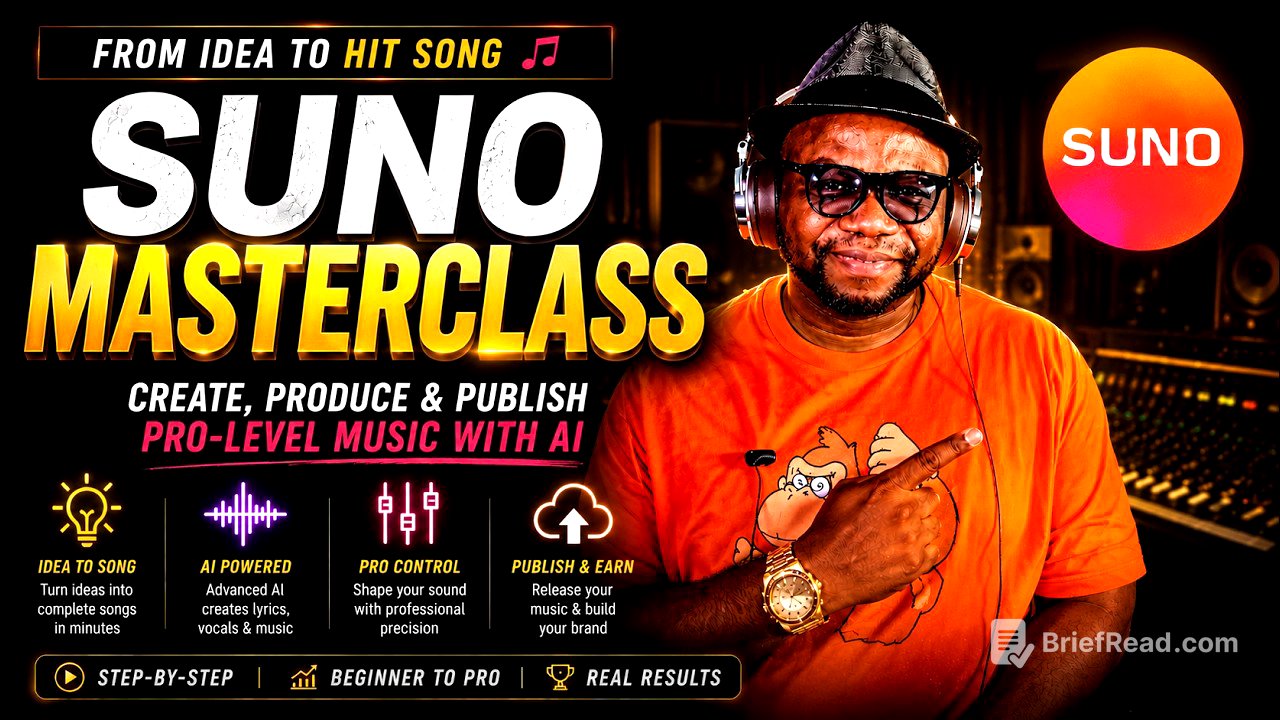
This video offers a comprehensive guide on effectively using the AI music tool, Suno. It covers various methods for song creation, ranging from basic prompts to advanced music production techniques. Key takeaways include the importance of specificity in lyrics and style, the levels of interaction with Suno, and how to use audio input for better outcomes.
- Importance of personalized lyrics and specific prompts.
- Three levels of interaction: prompting, directing, and producing.
- Utilizing audio input can greatly enhance the output quality.
Why Most People Use Suno Wrong [0:00]
Many people utilize Suno in a basic manner, such as inputting simple prompts like "write a song about life being an uphill climb." While this can yield decent outputs, it lacks personalization and precision in style. The speaker demonstrates how a straightforward approach might produce acceptable results, but it doesn’t explore the full creative potential of the tool.
Beginner Mode: Simple One-Line Prompting [0:17]
The tutorial emphasizes the initial stage of working with Suno, highlighting how users can simply enter one-line prompts. While basic results can still be enjoyable, the emphasis is placed on the limitations of this approach, which does not allow for much depth or personal expression in the final composition.
Listening to Basic AI Song Outputs [1:02]
In this segment, the speaker presents a couple of AI-generated songs based on simple prompts. Listeners are invited to critique the outputs, illustrating the potential of Suno even at a basic level. However, the speaker suggests that exploring further could yield more tailored and impactful results.
Level 2: Writing Personalized Lyrics Fast [2:20]
Progressing to a more advanced usage of Suno, the speaker demonstrates writing more personalized lyrics in a structured format. By utilizing songwriting tools and setting clear parameters, users can create songs that resonate more closely with their experiences and emotions.
Song Structure, Bridges & Rhyme Schemes [3:37]
The speaker discusses important song structures, such as the verse-chorus format and the value of bridges in songs. Different rhyme schemes are explored, emphasizing the significance of structure and how it affects the flow and energy of the song.
Why Minimalist Lyrics Work Better [4:16]
Minimalist lyrics are championed for their effectiveness in making songs memorable and impactful. The speaker advises against overly verbose lyrics, suggesting that simplicity allows for greater emotional resonance in music.
Importing Custom Lyrics into Suno [4:58]
This chapter guides users on importing their own lyrics into Suno to enhance personalization. Detailed prompts and structured inputs are suggested for better integration, leading to more tailored musical compositions.
Why Style Specificity Changes Everything [5:31]
Specificity in style prompts can significantly alter the resulting music composition. The speaker emphasizes the importance of having a clear vision regarding the desired musical style to improve the results generated by Suno.
Entering Advanced Create Mode in Suno [6:58]
The advanced create mode allows for a deeper level of customization in the songwriting process. Users are encouraged to explore various input options and specific style choices, which can drastically improve output quality.
Building Detailed Style Prompts [7:31]
In this segment, the speaker demonstrates how to craft detailed style prompts that include specific characteristics like instrumentation and air. This depth of detail aids Suno in generating more tailored musical outcomes.
Choosing Drums, Bass, Brass & Funk Ingredients [8:24]
The selection of specific musical ingredients like drums and bass plays a crucial role in defining the final sound of a composition. The presenter highlights the importance of choosing the right instruments for achieving the desired musical effect.
Using Style Influence for Better Control [9:14]
This section discusses how adjusting style influence sliders can provide greater control over the generated output. The speaker illustrates that careful manipulation of these settings can lead to distinctive sound variations.
Hearing the Power of Specific Prompting [10:01]
The speaker plays previously crafted songs to showcase how specific prompting can yield diverse musical interpretations. This comparison reinforces the message that intentional input can lead to superior results.
Using Musicspiration to Generate Better Prompts [12:53]
Musicspiration is introduced as a tool to enhance prompting capabilities. The speaker provides examples of how to leverage external resources for crafting better prompts that lead to improved creative outcomes.
Transforming the Same Song into Reggae [13:44]
Transforming a song into a different genre, such as reggae, demonstrates Suno's versatility. The speaker shows that simply changing the genre can drastically alter the feel of the song, emphasizing the tool's capacity for genre adaptation.
Stop Treating Suno Like a Magic Button [17:09]
The speaker cautions against using Suno passively. Instead, they emphasize the need for active engagement and intentionality to make the most of the tool's features for effective songwriting.
The 3 Levels: Prompting, Directing & Producing [17:28]
Explaining three levels of interaction with Suno—prompting, directing, and producing—provides users with a framework for engaging with the tool at various levels of complexity and creativity.
Why Musicians Struggle with AI at First [18:21]
Experienced musicians may initially struggle with AI tools like Suno due to their desire for precise control over musical elements. The speaker explains how this initial friction can be overcome with practice.
The Ultimate Level: Feeding Audio into Suno [19:08]
Feeding audio directly into Suno presents an ultimate level of user engagement. The speaker discusses how this method enhances the AI's understanding of user intent and results in more targeted outputs.
Recording Keyboard Chords into Suno [20:27]
Demonstrating how to record keyboard chords serves to highlight the benefits of providing Suno with audio input. The session showcases how this user-driven method increases the precision of the output.
Using Audio Influence for Precision Results [22:11]
This chapter illustrates how influencing Suno with specific audio can yield precise results. Greater attention to audio and style can help fine-tune the generated compositions.
Layering Audio + Style Prompting Together [24:16]
Layering audio input with detailed style prompts is explored as a technique to achieve nuanced results, enhancing the overall quality of the music created with Suno.
Hyper Iteration & Producer Mindset [26:00]
The speaker dives into the importance of a producer's mindset and the concept of hyper iteration, which involves rapidly testing and refining audio and prompts to reach optimal results.
Using Your Voice Instead of Instruments [27:14]
This segment illustrates that even those without instrumental skills can use their voice creatively in Suno. By humming or singing, anyone can influence outcomes significantly.
Matching Vocal Input with Style Prompts [28:42]
Aligning vocal input with specific style prompts underscores the importance of cohesiveness in music creation. The speaker demonstrates how this practice improves the resulting musical pieces.
Why Specificity Sends Suno Into Overdrive [30:18]
The chapter emphasizes that specific prompts can push Suno to create more sophisticated and polished outputs. The speaker illustrates how in-depth details result in impressive music production.
Suno as a Creative Accelerator, Not a Replacement [33:30]
Suno should be viewed as an enhancer of creativity rather than a replacement for musicians' skills. The speaker promotes the idea of partnership with the AI to maximize creative potential.
How Suno Interprets Prompt Weighting [34:12]
Understanding how Suno weighs prompts is crucial for effective use. Users are encouraged to frontload important concepts within prompts for maximum clarity and impact.
Instrument Hierarchy & Genre Tension Explained [34:51]
The video explains the importance of establishing a clear lead instrument within prompts to avoid confusion in output. Combining genres can create unique musical tensions that leverage Suno's capabilities.
The 6-Layer Prompt Stack Method [35:35]
The 6-layer prompt stack method presents a comprehensive approach to creating prompts in Suno. The speaker outlines aspects such as genre, era, and instrumentation to ensure intentional output.
Final Thoughts [37:21]
The speaker wraps up the tutorial by encouraging viewers to take advantage of available tools, such as Musicspiration, to enhance their music creation journey. Users are reminded to engage actively with Suno to explore its full potential.