TLDR;
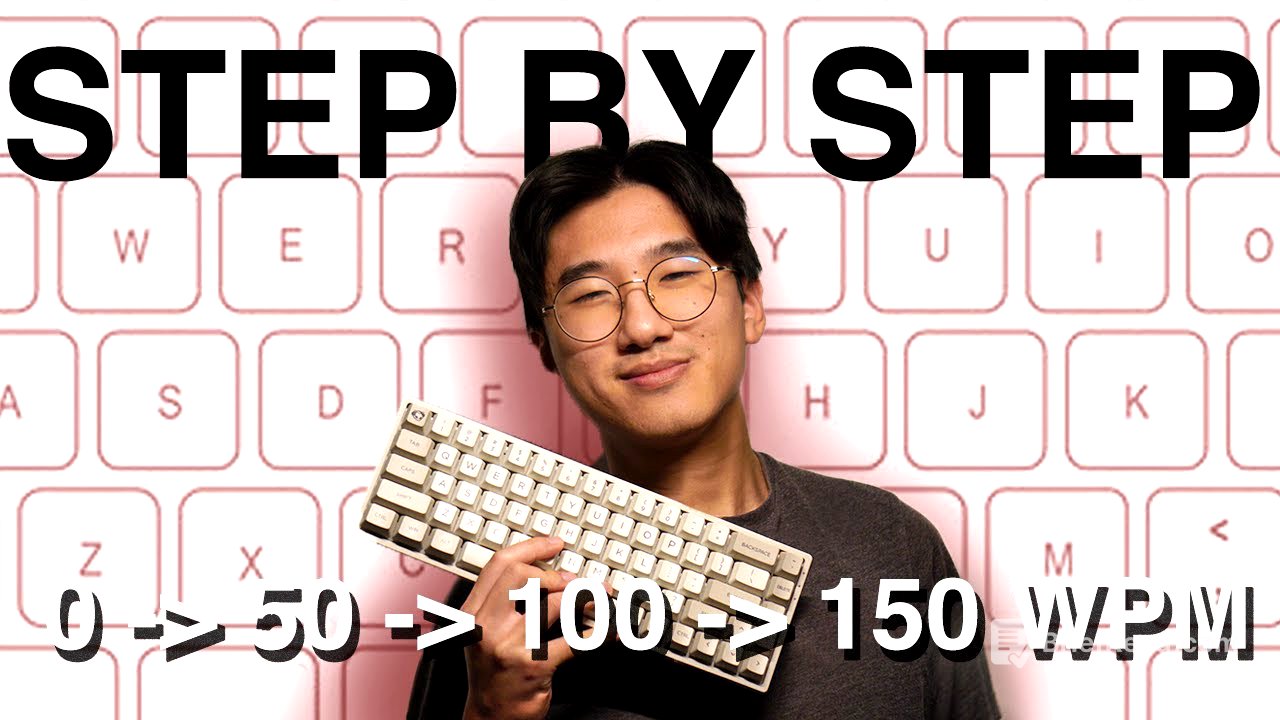
This video provides a step-by-step guide to improving typing speed, a skill beneficial for individuals of all ages and backgrounds. It covers essential techniques, from proper hand positioning and keyboard familiarity to advanced methods like predictive reading and treating words as single keystrokes. The video also suggests online resources for practice and emphasizes the importance of accuracy and consistent effort for achieving higher typing speeds.
- Proper hand position and touch typing are fundamental.
- Predictive reading and treating words as single strokes can significantly increase speed.
- Consistent practice and setting small goals are key to improvement.
Introduction [0:00]
The video introduces the idea that improving typing speed is a valuable skill for everyone, regardless of their field or age. The speaker highlights the personal benefits of faster typing, such as improved note-taking and scriptwriting. The average typing speed is around 40 words per minute (WPM), but the video suggests that with practice, individuals can easily reach 60-80 WPM within a few months.
Typing Speed Test Websites [0:45]
The speaker recommends using online resources like 10 Fast Fingers and TypeRacer to assess and improve typing speed. TypeRacer is presented as a more game-like option, while 10 Fast Fingers allows users to continue typing despite errors. Both websites are useful for gauging current typing speed in words per minute.
Proper Hand Position and Technique [1:05]
The video stresses the importance of adopting the correct hand position for typing. It advises against using improper techniques and demonstrates the fundamental hand placement for touch typing. The goal is to type without looking at the keyboard, which may seem slow initially but yields significant benefits later on. A useful shortcut mentioned is "Control + Backspace" for quickly deleting entire words instead of repeatedly pressing the delete key.
Medium Level Typing Techniques [1:49]
At the intermediate level, the video introduces the technique of reading the next word while typing the current one. For example, while typing "Mountain," the eyes should already be processing the next word, such as "number." This reduces pause time between words and increases overall typing speed. The speaker notes that progress may feel slow around 90 WPM, but consistent practice and setting small goals are essential. Reaching 80 WPM, which TypeRacer classifies as "mega racer," can be a motivating milestone.
Advanced Typing Techniques [2:40]
The video discusses advanced techniques for those typing 100 WPM or more, placing them in the top 1% of typers. At this level, typing feels faster and more fluid than handwriting. The speaker advises thinking of words as single strokes of keys. For example, the word "person" should be typed with a fluid motion, almost as if the fingers barely touch the keyboard. This can be overwhelming initially, so starting with syllables is recommended. Accuracy becomes increasingly important at this stage, as mistakes can significantly slow down typing speed.
Final Thoughts and Motivation [3:42]
The speaker hopes the tips provided will help viewers understand areas for improvement and motivate them to practice typing. Short, regular practice sessions are recommended, such as before lectures or at home. It's normal to feel stuck at times, but with consistent practice and the techniques discussed, continued improvement is possible.