
TLDR;
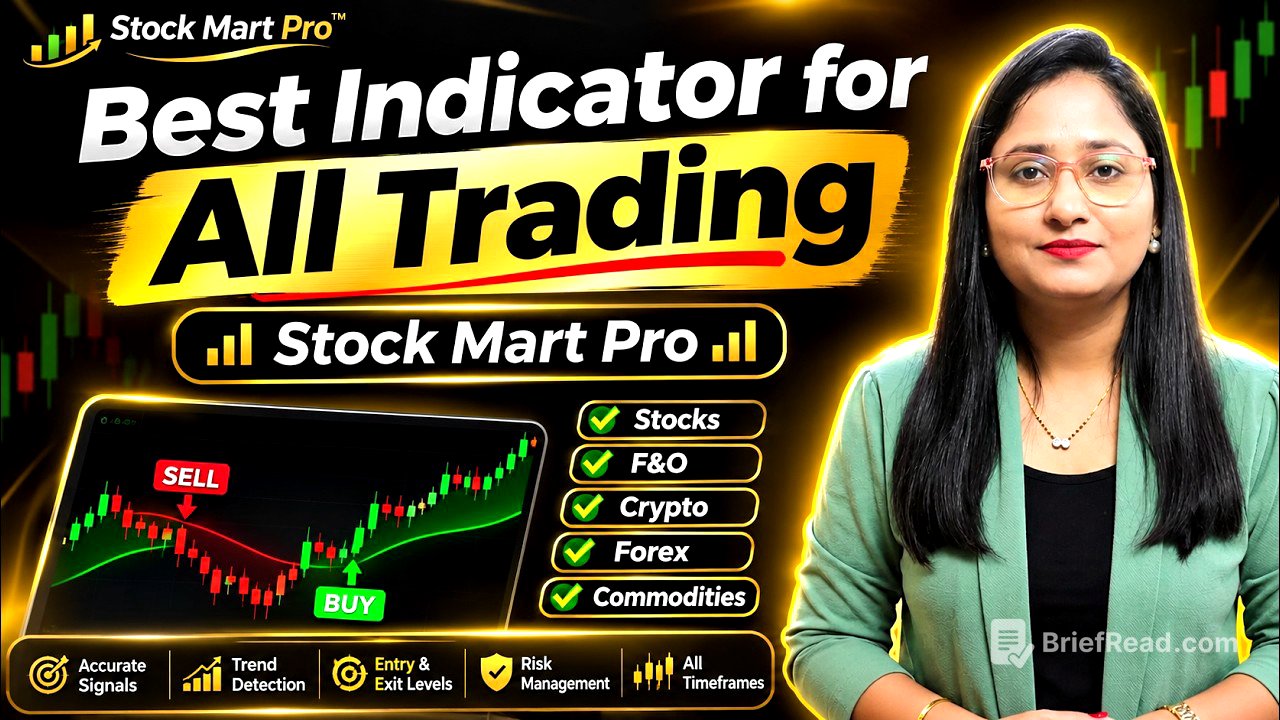
The video explains how eligible Dhan users can access and add Jyoti’s trading indicators to charts, including the steps to find them and the account activity required for access. The indicators provide trade signals, stop-loss levels, and targets, while a linked watchlist is offered for swing and intraday trading.
- The indicators are being offered free for a limited period to qualifying users whose Dhan accounts were opened through the channel’s link and have recent equity or F&O transactions.
- To find an indicator, log in to Dhan, open Trade on Trading Chart, then search for Stock Mart Pro in the indicator section.
- An account must be activated with a qualifying buy or sell transaction; adding funds alone is not enough.
- Users who do not qualify for the free offer can purchase access, subject to the stated pricing and market limitations.
Dhan Indicator Offer and Eligibility [0:02]
Jyoti introduces the Dhan-hosted indicators as a Diwali gift for eligible users. People who opened their Dhan accounts through the channel’s link and have carried out equity or F&O transactions within the previous three to four months are expected to receive access for roughly two to three months. The indicators may take three to five days to appear after the account meets the requirements, and the offer is available for a limited time. The video also mentions a watchlist for swing trading, with related guidance available in other videos.
How to Find and Add an Indicator [1:05]
After logging in to Dhan, open the profile area and select the third option, Trade on Trading Chart. From the charting platform, open the indicator section and search for Stock Mart Pro. The available options include Stock Pro by Jyoti and Jyoti Queen / Jyoti Swinging Queen. Choose the indicator and add it to the chart; the presenter says users should select the indicator option rather than pay when prompted during the process.
Signals, Risk Levels, and Trading Uses [2:09]
The indicator displays trade entries, stop-loss levels, and targets, with the presenter describing a potential reward-to-risk ratio of up to 1:3. She shows a buy signal from October 30 and says its targets had been reached by the time of recording. The indicators can be used alongside the linked watchlist for swing or intraday trading. Jyoti recommends reviewing the channel’s earlier videos for explanations of how the indicators work and asks users to provide feedback.
Account Activation and Paid Access [3:16]
Creating a Dhan account or adding funds does not, by itself, activate the account for this offer. Users need to complete at least one equity buy or sell transaction, or one F&O buy or sell transaction; an account without a qualifying transaction in the previous three months may no longer count as active. The video says paid access is also available: the TradingView version is described as costing about $50, while the Dhan offer is quoted at ₹800 for Indian-market use. For crypto or forex use, the presenter says users need the TradingView version and mentions a separate two-month free option, with details in the description.