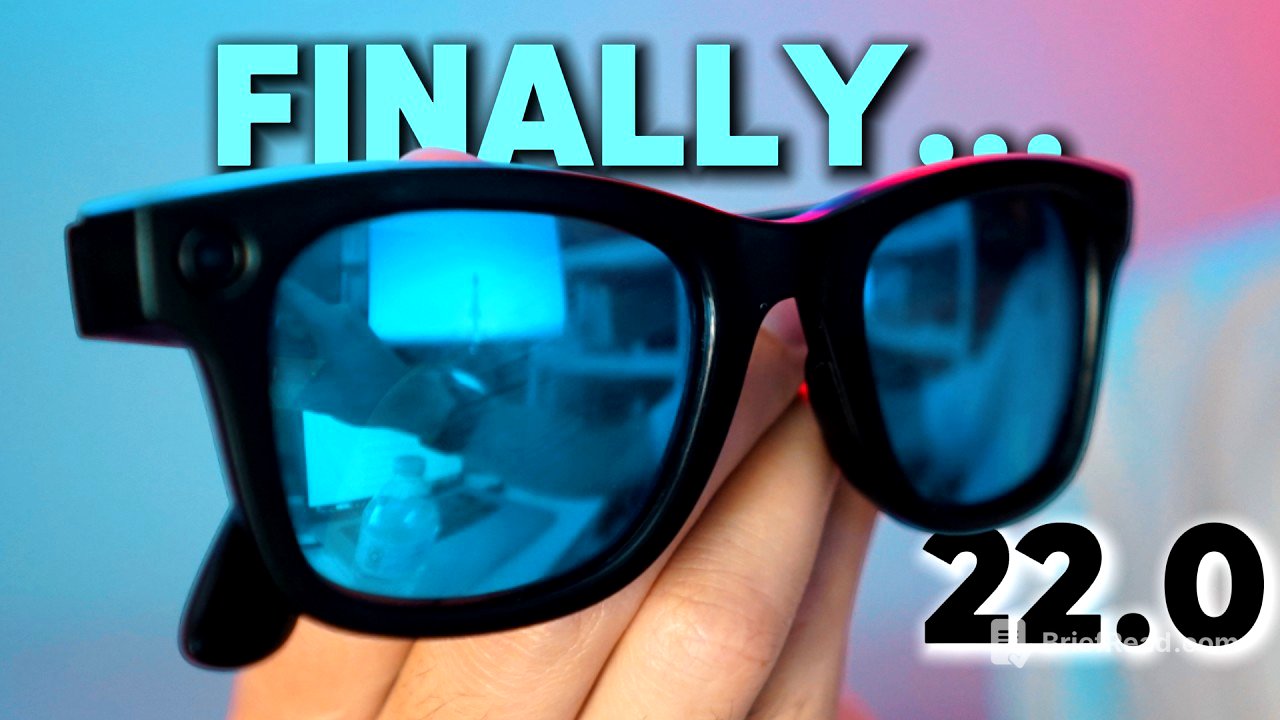
TLDR;
This video provides a comprehensive overview of the Ray-Ban Meta smart glasses 22.0 update for both Gen 1 and Gen 2 models. It covers bug fixes, new features like detailed responses with live AI, conversation focus, and Dutch language support. The video also discusses the ongoing lack of live streaming on Gen 2 glasses and speculates on potential future updates.
- Bug fix for Gen 1 glasses stuck at 1080/60fps.
- Introduction of detailed responses with Live AI for more descriptive environment analysis.
- Conversation focus feature enhances speech clarity in noisy environments.
- Dutch language support added for hands-free calls, messages, and AI interactions.
Intro [0:00]
The Ray-Ban Meta glasses have received the 22.0 update, and this video will explore the changes and new features for both the Gen 1 and Gen 2 models. The update addresses bugs, introduces new functionalities, and may have inadvertently created new issues. The video aims to provide a detailed look at what users can expect from this update.
Bug Fix: Frame Rate Glitch (Gen 1) [0:21]
A significant bug that affected Gen 1 glasses, where changing the frame rate to 60fps in the Meta AI app would prevent users from reverting to 30fps, has been resolved. Previously, this glitch also locked video length settings and disabled stabilization adjustments. The update now allows users to freely switch between frame rates and adjust settings, fixing a problem that had persisted for over a month.
New Feature: Detailed Responses with Live AI [1:41]
The 22.0 update introduces detailed responses with Live AI, expanding on a feature previously limited to "look and ask." Live AI uses the glasses' camera to provide real-time video feed to Meta AI, allowing users to ask questions about their surroundings. With detailed responses enabled, the AI now provides more comprehensive descriptions of the environment, including objects, signage, people, spatial placement, colors, mood, and setting. While the AI is not always 100% accurate and shouldn't be used as a mobility aid, it offers a more informative AI experience.
Missing Feature: Live Streaming (Gen 2) [6:23]
Despite the update, the Gen 2 Ray-Ban Meta glasses still lack the live streaming feature available on the Gen 1 models. This means Gen 2 users cannot stream directly to Instagram or Facebook. While workarounds like the infinite recording hack exist, the absence of native live streaming remains a notable disadvantage for Gen 2 users.
New Feature: Conversation Focus [7:15]
The conversation focus feature, now in early access, aims to enhance speech clarity in noisy environments. Users can select from standard, boosted, or no amplification styles to optimize audio. By assigning conversation focus to a tap-and-hold gesture, the glasses amplify the voice of the person the user is facing, functioning almost like a hearing aid. While not suitable for extremely loud environments like concerts, it works effectively in social situations such as busy restaurants, significantly improving the user's ability to hear and understand conversations.
New Feature: Dutch Language Support [11:34]
The update includes Dutch language support, enabling users in the Netherlands to make calls, send messages, and interact with Meta AI hands-free in Dutch. This feature is rolling out gradually, and users may need to update their Meta AI app to access it.
Future Updates [12:37]
The video references a previous discussion about potential future features for the Meta glasses, suggesting that upcoming updates could bring significant improvements. Viewers are encouraged to share any new features or bugs they encounter in the comments to help Meta improve the product.