TLDR;
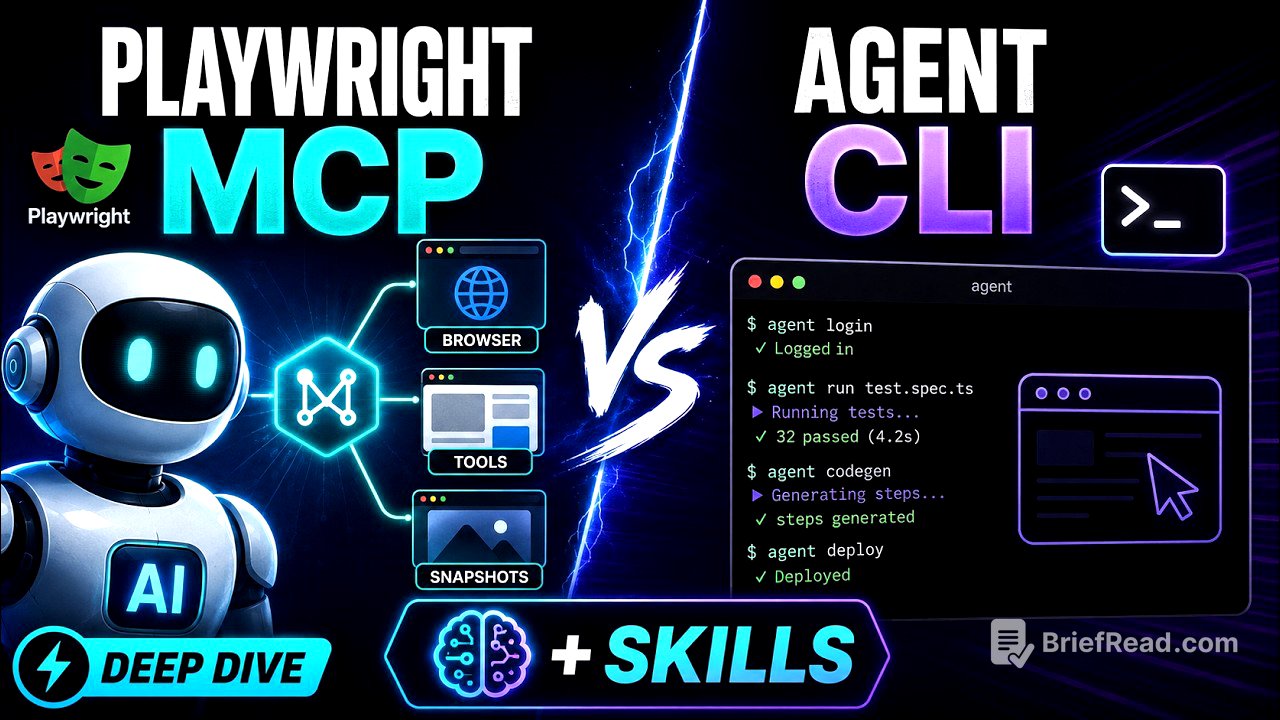
This video introduces agentic automation, focusing on the integration of Playwright MCP, Playwright CLI, and AI skills to enhance QA testing processes. It discusses the transition from traditional manual coding to intelligent intent-based testing, enabled by AI agents. The video explains the functionalities of Playwright MCP—Model Context Protocol—and its role in automating browser actions, including how to set up and use these technologies in automation practices. Finally, the speaker clarifies the distinction between MCP and skills, emphasizing their complementary roles in QA automation.
- Introduction of agentic automation and its relevance for QA.
- Overview of Playwright MCP, CLI, and skills for browser automation.
- Comparison between MCP and skills, highlighting their distinct functions and uses.
Introduction to Agentic Automation [0:00]
The video begins with an introduction to agentic automation and its significance for future QA automation. The presenter emphasizes the importance of transitioning from traditional automated testing methods—where QA professionals manually write and execute code—to a model where AI agents operate based on defined intents. The video is particularly geared towards manual and automation QA practitioners.
Understanding Playwright MCP [4:30]
Playwright MCP, which stands for Model Context Protocol, serves as a server running locally or on a hosted server, allowing AI agents to communicate with it for web automation tasks. The MCP provides various tools that agents can utilize to achieve specific goals automatically, such as performing searches or verifying web elements effectively.
Installation and Setup of Playwright [7:00]
This chapter covers the installation of Playwright and its MCP server. The presenter walks through the setup process, including initializing a project and installing the necessary files and dependencies. The speaker highlights how to configure the MCP in Visual Studio Code for seamless operation, ensuring that users can run automated test scenarios without manual intervention.
Running Automation Tests Using Playwright [11:00]
The video demonstrates executing automated tests using Playwright MCP. The presenter outlines a sample test scenario for an HRM application, providing prompts to the AI agent to navigate to the login page, enter credentials, and validate the user interface. As the automation unfolds, the agent logs in and gathers verification information, showcasing its capabilities in real-time.
Generating and Running Code with Playwright [16:39]
The chapter focuses on generating TypeScript code based on the tests conducted using Playwright. The presenter illustrates how the tool creates a script reflecting the actions performed by the AI agent during the testing phase, demonstrating the ease of generating executable scripts from an automated testing process.
Comparison Between Playwright MCP and Skills [21:40]
This segment clarifies the roles of Playwright MCP and skills within the automation framework. The speaker states that while MCP provides access to tools for automation, skills equip agents with the necessary expertise to effectively utilize those tools. The distinction emphasizes that both elements serve uniquely beneficial purposes to improve QA work.
When to Use Playwright MCP and CLI [30:50]
In the concluding section, the presenter describes scenarios when to use Playwright MCP versus Playwright CLI. MCP is ideal for comprehensive application exploration with low context overhead, while CLI is better suited for executing precise commands based on well-defined prompts. The chapter concludes with a summary of the discussed topics, reinforcing the advantages of adopting agentic automation for QA processes.