TLDR;
This video provides a comprehensive overview of iOS 26.2, highlighting new features, changes, bug fixes, and performance updates. It covers customization options like liquid glass opacity, updates to apps like Music, Podcasts, and Reminders, and changes to CarPlay, AirDrop, and accessibility features. The video also addresses performance, thermal behavior, battery life, and benchmark results, offering a detailed analysis of whether users should install the update.
- New customization options with liquid glass opacity.
- Updates to apps like Music, Podcasts, and Reminders.
- Changes to CarPlay, AirDrop, and accessibility features.
- Performance improvements and bug fixes.
- Battery life and thermal behavior analysis.
Everything New [0:00]
Apple has released iOS 26.2 to the public, available globally for all supported devices. The update includes new features, changes, bug fixes, and more. The video provides a detailed overview of these updates, with chapters in the description for easy navigation.
Supported Devices [0:05]
To install iOS 26.2, navigate to Settings, then General, and Software Update. If the update isn't immediately visible, refresh the page or restart the software update process.
How To Install iOS 26.2 [0:13]
To install iOS 26.2, navigate to Settings, then General, and Software Update. If the update isn't immediately visible, refresh the page or restart the software update process.
New Features, changes and updates [0:36]
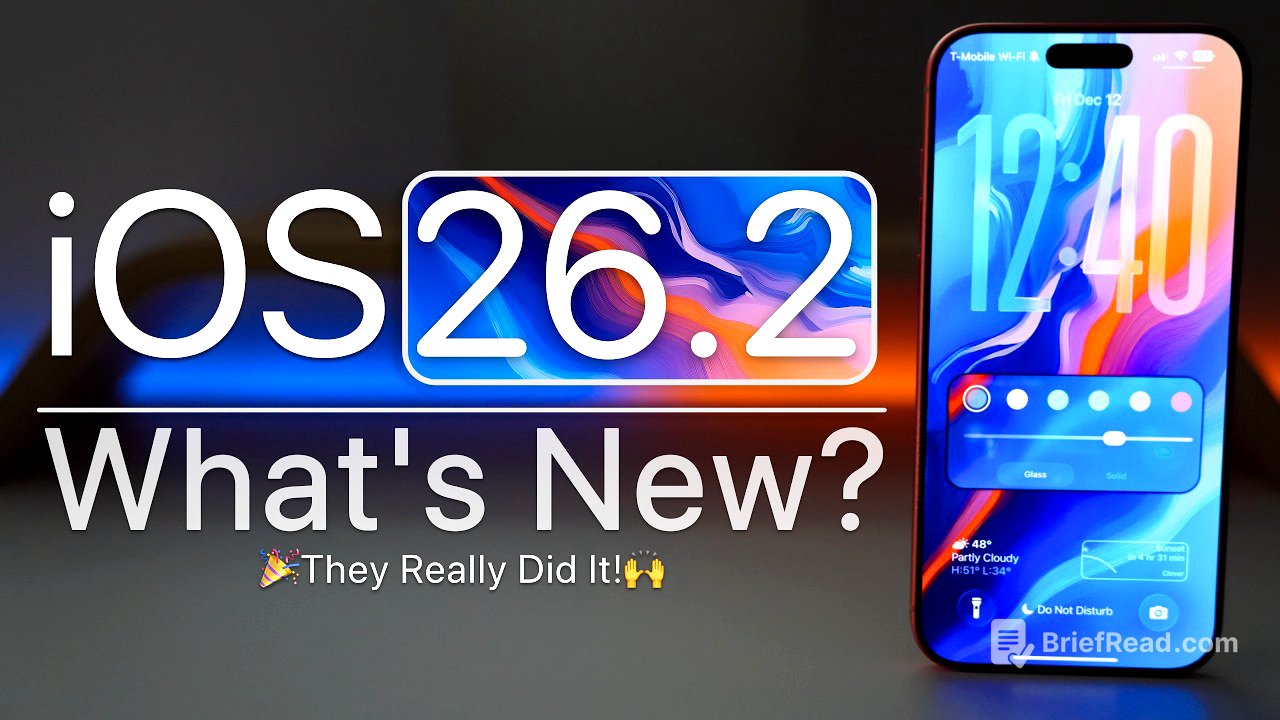
Apple is adding more customization options, particularly for the lock screen with liquid glass. Users can adjust the liquid glass opacity, making it completely transparent or more frosted. There are also animation changes on the home screen, such as the edit button popping out.
One of the most wanted features is here [0:46]
The update brings enhanced customization to the lock screen, allowing users to adjust the size and opacity of the liquid glass effect on the clock. This provides a range of looks from fully transparent to frosted. The home screen also features updated animations, such as a more pronounced pop-out effect when editing.
This app is beautiful now [1:48]
The Measure app now incorporates liquid glass in its level feature, with bubbles displaying refractions and reflections. This extends the liquid glass aesthetic to more apps within the OS.
Music Updates [2:08]
The Music app now supports offline lyrics for downloaded songs, allowing users to view lyrics even without an internet connection. Additionally, playlists now display album artwork in full screen, providing a more immersive experience.
Apple CarPlay Updates [2:59]
CarPlay has been updated with widget enhancements, offering more pages and wider display support for up to three widgets. Messages now allow users to remove pinned favorites within CarPlay without affecting their iPhone. These pinned conversations can be toggled on or off in CarPlay settings.
Podcasts [4:10]
The Podcasts app now displays links on episode pages for easy access and features automatically created chapters within episodes. This makes it easier to navigate and jump to specific parts of a podcast. Users can also easily follow other podcasts mentioned within an episode.
Reminders gets much better [5:00]
Reminders now include suggested lists and automatic categorization of items. Users can set reminders as urgent, triggering an alarm with customizable time zones. The alarm functions like a standard alarm and appears as a live activity.
Accessibility [6:10]
Accessibility options now include the ability to flash the screen for alerts, in addition to the existing flash on the back of the phone. This can be configured in the audio and visual settings under accessibility.
Focus Changes [6:42]
When editing home screen pages, a new option button directly links to the settings for custom focus modes. The sleep focus mode icon has been updated to purple, differing from the teal color in iOS 26.1.
AirDrop differently [7:42]
AirDrop now includes a "manage known AirDrop contacts" feature, allowing users to share a one-time code with new contacts for temporary recognition (30 days). This enhances security when sharing with unfamiliar devices.
Get Alerted for more [8:47]
The notification settings now feature enhanced safety alerts, including earthquake and imminent threat alerts. This section also includes options to improve alert delivery, though availability may vary by region.
RCS options [9:13]
In the Messages settings, the "Send as SMS" option has been renamed to "Retry as Text Message" for clarity. While RCS messaging may be enabled in this update, there are no explicit settings or confirmations from Apple.
Exclude Passwords [9:58]
The Passwords app now allows users to exclude specific websites from password saving prompts. This can be accessed via a shortcut to the password settings, where a list of excluded websites can be managed.
Gaming gets better [10:32]
The Games app has been updated with new filtering options for the library, including filtering by game size. Additional controller support has been added to improve menu navigation, and users can track challenge scores and achievements.
Sleeping has changed [11:15]
The Health app has updated its sleep score calculations to be more accurate based on sleep studies. The point scores for sleep quality, ranging from very low to very high, have been adjusted accordingly.
Freeform Update [11:48]
Freeform now supports tables, allowing users to organize content with flexible layouts and styling options. Tables can be added and resized within the Freeform app.
TV is no longer Plus [12:13]
The TV app has been updated to simply say "TV" or "Apple TV," removing the "Plus" designation. This change has been implemented server-side and is visible throughout the app.
New Design [12:28]
The News app features a redesigned top section with quick access to categories like sports, puzzles, business, and food, making it easier to navigate to specific content.
More AirPods Features for more countries [12:43]
Live translation using AirPods is now available in the EU, with ongoing approvals in more countries. This feature can be accessed in the Translate app, allowing users to select languages and utilize live translation.
3rd party app stores in more countries [13:06]
Third-party app stores are expected to be allowed in Japan with this update, similar to the EU. Additionally, Japan can now configure the side button to activate an alternate assistant instead of Siri, as documented by Apple for developers.
Apple Intelligence [13:45]
iOS 26.2 may bring the launch of Apple Intelligence to China.
iPadOS 26.2 [13:58]
iPadOS 26.2 brings back split view for multitasking. By enabling windowed apps or stage manager in settings, users can utilize split view. Slide Over is also available.
Keyboard Update [15:33]
The clear button on the lock screen now features a liquid glass design. The keyboard is now rounded when using Spotlight search on the lock screen or home screen.
A Quick Invite [15:51]
When the phone detects a date or time in notes, messages, or email, a new option for invites appears when pressing and holding the detected date. This opens the invites app, allowing users to create an event based on the detected time and date.
Bugs and Bug Fixes [16:19]
The ghosting issue with the control center has been fixed in iOS 26.2. Swiping between widgets and control center pages has been smoothed out, especially on newer devices.
Widget Page and Control Center [16:31]
The ghosting issue with the control center has been fixed in iOS 26.2. Swiping between widgets and control center pages has been smoothed out, especially on newer devices.
Keyboard issues [16:45]
Keyboard issues, such as mistyped text and incorrect autocorrection, have not been fixed. This bug can cause the keyboard to select the wrong letter, even with autocorrect turned off.
CarPlay Bugs and connections [17:18]
Some users still experience issues with Apple CarPlay, despite it working for others. The wallpaper bug, where saturation differs between the lock screen and home screen, also remains unfixed.
Security Updates [17:47]
The update includes security updates, though it may take time for Apple to update their security website with the latest releases.
iOS 26.3 Beta 1 Release [18:09]
The next expected release is iOS 26.3 beta 1, typically released shortly after the public version. Further updates may be delayed until the new year due to Apple's holiday break.
iOS 26.2.1 Update? [18:29]
An iOS 26.2.1 update may be released if additional issues or security patches are needed.
iOS 26.4 and Siri 2.0 Update [18:43]
iOS 26.4 and the Siri 2.0 update, featuring contextual Siri, are expected in March.
iOS 27 Update [19:00]
iOS 27 is expected to be showcased for the first time in June at WWDC 2026.
Should You Install iOS 26.2? [19:09]
Installing iOS 26.2 is recommended, as it fixes many issues from iOS 26.1. Users on beta versions can now opt out unless they want to try iOS 26.3 upon release.
Performance [19:35]
Performance is generally smooth, with bug fixes improving the overall experience. The ghosting bug has been resolved, and page swiping is smoother.
Thermals and Heat [19:59]
The device's temperature was around 36.7°C during benchmark testing, with heat dissipating effectively due to the new vapor chamber.
Battery Health and Battery life [20:20]
Battery health is reported at 100% capacity with 27 cycles. While the battery usage statistics may not be accurate, users generally report getting 6 to 12 hours of screen-on time.
Benchmarks [21:04]
Benchmark scores on iOS 26.2 reached 3,865 for single-core and 10,032 for multi-core, indicating expected performance levels.
Conclusion [21:37]
iOS 26.2 is a refinement update with nice features, bug fixes, and security updates.