TLDR;
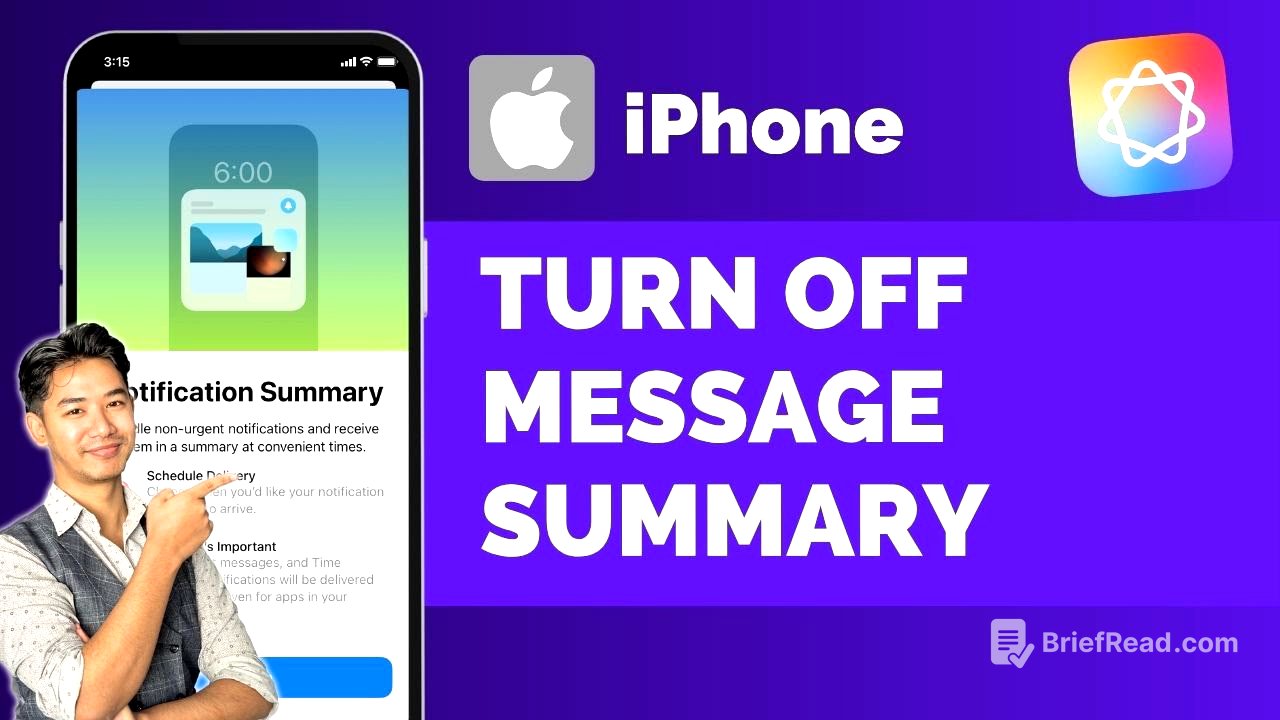
This video explains how to disable or enable the message summary feature in Apple Intelligence. It provides two methods: through the notification settings and directly within the Messages app settings. The key point is to locate the "summary notifications" option and toggle it according to your preference.
- Disabling message summaries can be done via notification settings or the Messages app.
- Accessing the feature requires Apple Intelligence to be installed.
Introduction [0:00]
The video introduces the topic of disabling or enabling message summaries in Apple Intelligence, addressing users who see summaries of their notifications on the lock screen or in notification previews and want to control this feature.
What is message summary from Apple Intelligence? [0:03]
The message summary feature in Apple Intelligence provides a summarized version of your notifications, which appears on the lock screen or in notification previews. The video aims to guide users on how to manage this feature based on their preferences.
How to access notification settings [0:16]
To access the notification settings, the initial step involves opening the settings application on your device. Once in settings, navigate to and select the "notifications" option to proceed with managing notification preferences.
Turning off summary notifications [0:26]
Within the notification settings, you will find the "summary notifications" option. Here, you can toggle the feature to either enable or disable message summaries according to your preference.
Alternative method through Messages app [0:35]
If the "summary notifications" option is not found in the general notification settings, an alternative method is to scroll down to the "apps" section within settings. Locate and tap on the "messages" app. Within the Messages app settings, you will find the "summary notification" or "summary messages" option, which can be toggled off to disable the feature.
Conclusion [0:55]
The video concludes by reiterating the importance of having Apple Intelligence installed to access the message summary feature. It encourages viewers to leave questions in the comments and expresses gratitude for watching, promising to return with another video.