TLDR;
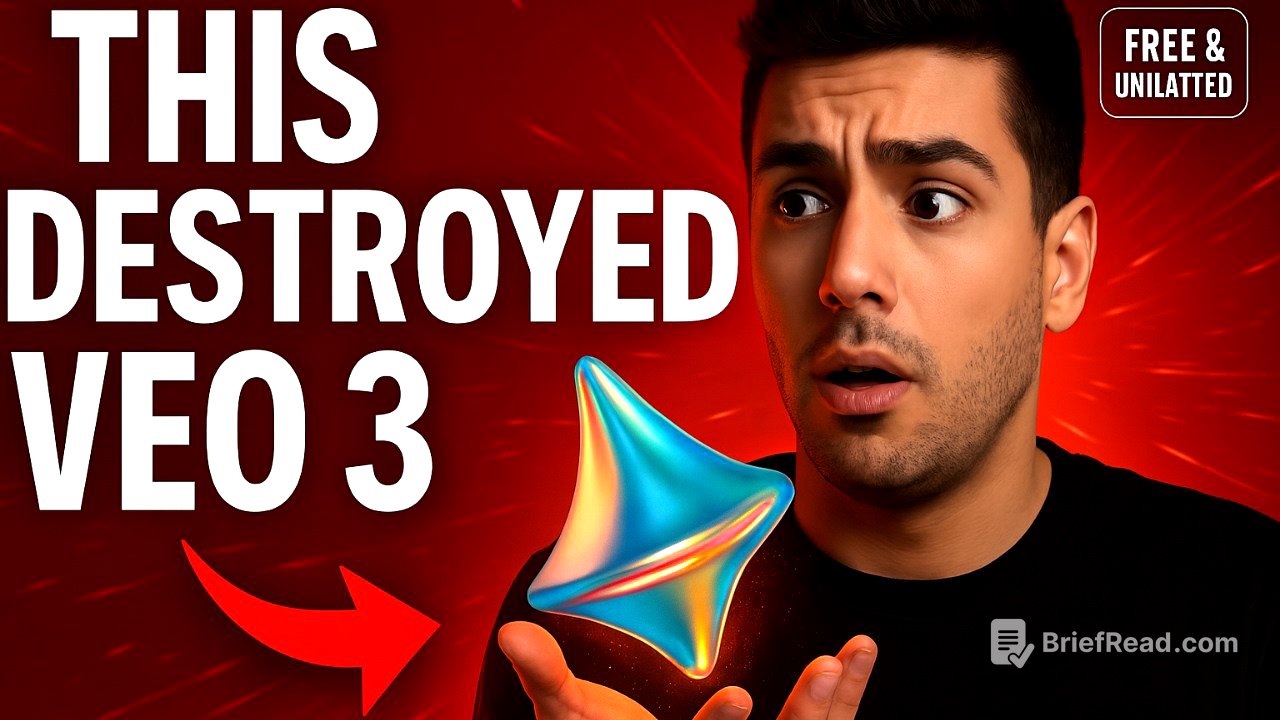
This video reveals a method to access Cedance's Dreamina AI, a powerful AI video generation tool developed by ByteDance (TikTok), for free and without limitations. It outlines a three-step process involving a VPN and specific country connections to bypass standard restrictions and unlock the platform's full potential, including text-to-video, cinematic scene creation, and talking avatar features.
- Use Dreamina AI for free
- Create videos with AI
- Create talking avatars
Introduction [0:00]
The video introduces Cedance, the company behind TikTok, as the creator of Dreamina AI, a powerful AI video generation tool that surpasses even Google's V3. The presenter claims to have discovered a loophole allowing users to access Dreamina AI for free and without limitations, a feature not intended to be standard. The video promises to reveal this secret access method.
The Three-Step Infiltration [1:22]
The process to access Dreamina AI for free involves three steps. First, the user must activate a VPN and connect to a server in any African country. The presenter uses NordVPN and connects to Nigeria as an example. Second, while connected to the African server, the user must go to the Dreamina AI platform and sign up for an account, preferably using a Google account not previously associated with Dreamina AI. Upon successful sign-up, the account should display zero credits.
Unlocking the Generator [2:15]
The final step involves switching the VPN connection to a European country, such as the UK. After refreshing the Dreamina AI page, the platform should unlock, allowing the user to generate videos without any cost. This grants the user unlimited access to the platform's features.
Exploring Dreamina AI's Capabilities [2:36]
Once the platform is unlocked, users can select from two video models, with the latest one recommended for optimal performance. Users can set video length (5 or 10 seconds) and aspect ratios (16:9 for YouTube, 9:16 for Shorts). The platform supports text-to-video generation, demonstrated with the prompt "a penguin at the beach," which quickly produces a 4K clip. It can also create complex scenes from a single sentence, understanding cinematic elements and acting as a "co-director." After video generation, users can enhance quality, add frames, or generate soundtracks.
Comparing to Google V3 [3:56]
The presenter compares Dreamina AI to Google's V3 by using the same prompts from Google's official demos. Dreamina AI successfully generates similar results on the first try, suggesting its superior capabilities.
Creating Talking Avatars [4:43]
Dreamina AI also features an AI avatar tab that allows users to create talking avatars. By uploading a picture and choosing the "master" mode, users can input text or upload an audio file for lip-syncing. The presenter demonstrates this by using a screenshot from a Google VO demo and inputting the same line, showcasing the realism of the lip movements. This feature enables users to animate any image and create digital humans that say whatever the user wants.