TLDR;
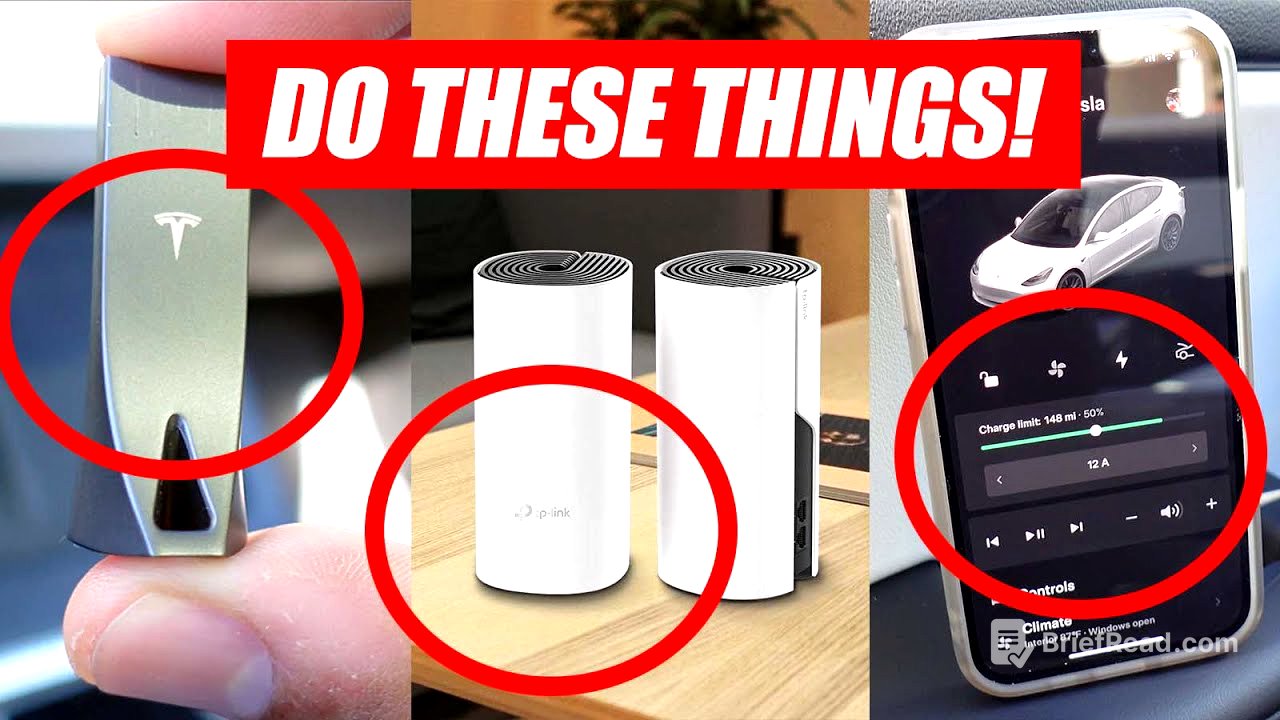
This video outlines the top 12 essential tasks to complete after receiving a new Tesla. These include installing the Tesla app for keyless entry and vehicle management, setting up driver profiles for personalized settings, and considering premium connectivity for enhanced navigation and entertainment features. The video also highlights the importance of upgrading Wi-Fi for over-the-air updates, setting home and work addresses for easy navigation, and investing in accessories for protection and customization. Additional tips include enabling Sentry Mode for security, upgrading the SSD for better video storage, considering a home charger for faster charging, setting a charge limit to preserve battery health, and applying paint protection. Finally, the video advises reading the manual to fully understand the car's features and, most importantly, enjoying the driving experience.
- Install Tesla App
- Setup Driver Profiles
- Consider Premium Connectivity
- Upgrade Wi-Fi
- Setup Home Address
- Get Accessories
- Enable Sentry Mode
- Upgrade SSD
- Get Home Charger
- Set Charge Limit
- Apply Paint Protection
- Read The Manual
- Drive!
Install Tesla App [0:46]
The first thing to do is install the Tesla app. This app allows you to access and control your car without physical keys, enabling you to lock and unlock your vehicle directly from your phone. The app also provides important notifications about your car and facilitates communication with Tesla service advisors. It is available for free on both iPhone and Android.
Driver Profiles [1:20]
Setting up driver profiles is crucial for customizing the car to individual preferences. This feature allows you to save settings for seats, mirrors, steering wheel, and favorite radio stations. Each driver can have their own profile, ensuring that the car adjusts to their preferred settings automatically.
Premium Connectivity [2:01]
Subscribing to premium connectivity is optional but highly recommended. Without it, the car lacks internet access while driving or away from Wi-Fi. Premium connectivity enables streaming services like YouTube, Netflix, and Hulu, and provides live traffic updates for navigation. It also includes karaoke and an internet browser for long trips. The service costs $9.99 per month and includes a comprehensive streaming service with access to a vast library of songs and albums.
Upgrade WiFi [3:29]
Upgrading your Wi-Fi to reach your garage or parking area is important for over-the-air updates. A strong Wi-Fi connection allows your Tesla to receive and install updates while parked, ensuring the car is always up-to-date with the latest software and bug fixes. A Wi-Fi mesh system, such as the TP-Link system, is recommended to maintain a strong connection throughout your home, especially in the garage.
Set Home Address [4:56]
Setting up your home and work addresses simplifies navigation. With these addresses saved, you can easily navigate to either location with a single touch. Additionally, the car recognizes when it is at the home address, allowing features like Sentry Mode to be disabled to conserve battery.
Accessories [5:16]
Purchasing accessories can improve the convenience, protection, and customization of your Tesla. Essential accessories include screen protectors to reduce glare and fingerprints, and weatherproof floor mats to keep the interior clean.
Sentry Mode [5:46]
Enabling Sentry Mode activates the car's security system. If someone approaches the car, the headlights flash, and all seven cameras begin recording. You will be notified of any incidents upon returning to the car and can review the footage.
Upgrade SSD [6:18]
Upgrading the USB flash drive to a solid-state drive (SSD) enhances the performance of Sentry Mode and the dashcam. The included flash drive has limited storage and slower performance. An SSD, such as the Samsung T7, provides more storage and faster playback speeds.
Home Charger [6:51]
While the Tesla comes with a portable charger for emergency use, upgrading to Tesla's wall connector is recommended for daily home charging. The portable charger provides only 2-3 miles of charge per hour, whereas the wall connector can provide up to 44 miles per hour. Although it costs around $500 plus installation, it ensures you never have to worry about range.
Set Charge Limit [7:26]
To prevent battery degradation, it is important to set a charge limit between 80% and 90% for daily use. Fully charging to 100% repeatedly can harm the battery. Tesla recommends only charging to 100% when necessary, such as for long road trips. Setting a charge limit ensures the car stops charging at the desired level, even when plugged in.
Paint Protection [8:01]
Protecting your car's paint with paint protection film (PPF) or ceramic coating is highly recommended to keep it looking new. These protections maximize the protection of the car's exterior and can save money in the long run. While it can be applied yourself with experience, professional application is generally recommended.
Read The Manual [8:35]
Your Tesla comes with a detailed instructional manual that covers everything you need to know about the car. Reading the manual can save time and prevent headaches, allowing you to fully enjoy your Tesla. The manual is also accessible through the infotainment system, featuring pictures and animations.
Drive, Drive, DRIVE! [9:02]
After completing these tasks, the final step is to drive and enjoy your new Tesla. Take trips and familiarize yourself with the car to fully appreciate its capabilities.