TLDR;
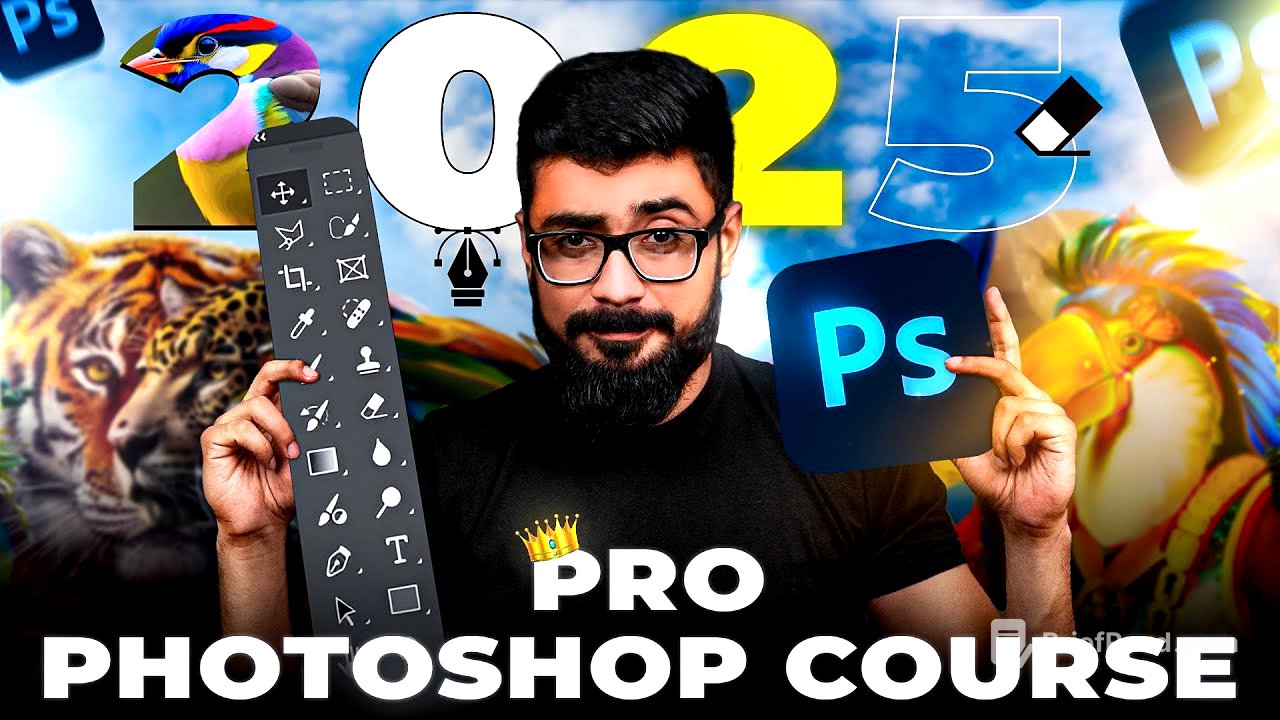
In this masterclass, participants learn advanced Photoshop techniques essential for becoming a top-tier designer. The content covers workspace setup, tools, menus, learning resources, and practical applications. Key takeaways include resetting the workspace, understanding the toolbar and menu bar, using the layer panel, and applying practical skills in template design.
- Advanced Photoshop techniques
- Importance of mastering skills in the era of AI
- Step-by-step practical application using templates
Start [1:06]
The session begins with an introduction by the instructor, who emphasizes the necessity of mastering design skills to remain competitive in the industry. Participants are informed about social media links for further queries and encouraged to share course materials.
Introduction to Photoshop [2:36]
The instructor introduces Photoshop and its importance for designers. They discuss creating new files, opening images, and using presets for design projects. Participants learn how to navigate various types of documents in Photoshop to meet their design needs.
How to reset the work space [6:28]
The instructor guides participants on resetting the workspace by accessing the "Window" menu and selecting “Reset Essential.” This process organizes the various panels and tools in Photoshop to enhance workflow without confusion.
Tool Bar [7:56]
A detailed overview of the toolbar is provided, highlighting various tools available in Photoshop. The instructor explains how to customize the toolbar and the functionality of essential tools that are frequently used, such as the Move Tool and the Layer Panel.
What is the menu bar? [9:07]
The instructor describes the menu bar, which includes options like File, Edit, Image, Layer, etc. Each option is explained in detail, including how to use them for different design tasks within Photoshop.
Learning tools [11:19]
Participants learn about various selection tools, such as the Rectangle Marquee Tool and the Object Selection Tool. The instructor explains how to effectively select and manipulate parts of images and shapes within Photoshop using these tools.
layer panel [24:55]
A thorough exploration of the layer panel is conducted, demonstrating how layers function in design projects. The instructor explains how to create, delete, rename, and manage layers effectively to keep projects organized.
Practical (using template) [53:37]
In this chapter, the instructor guides participants through a practical exercise using a template. They demonstrate how to apply learned techniques in real-time, creating a design from a template and customizing it to meet specific needs.
Practical [1:23:25]
The final practical section focuses on building a social media banner from scratch. The instructor provides a step-by-step guide on utilizing various resources, adjusting layers, applying effects, and finalizing the project. Participants are encouraged to experiment and utilize the tools and techniques covered throughout the course for their own designs.