TLDR;
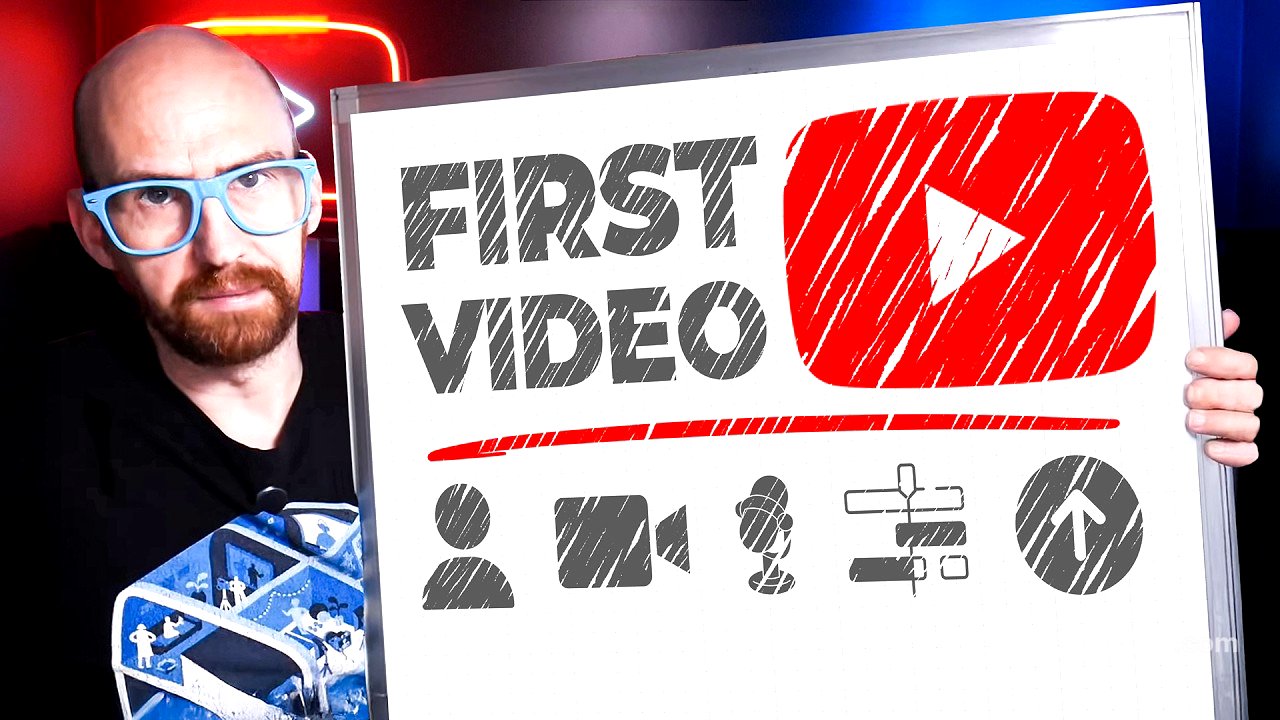
This video provides a comprehensive guide for creating your first YouTube video, covering everything from generating ideas to editing and uploading. It emphasises the importance of clear, concise content, engaging thumbnails and titles, and maintaining viewer retention through effective storytelling and editing techniques.
- Focus on creating clear, concise content that matches your video idea.
- Prioritise audio quality and visual engagement to maintain viewer retention.
- Structure your videos with a clear setup, progress, and payoff to tell compelling stories.
How to Make Your First YouTube Video [0:00]
The video introduces the daunting task of creating a first YouTube video, acknowledging the fear and excitement that come with transitioning from viewer to creator. It promises to guide viewers through the entire process, turning fear into a successful first upload.
Step 1: The Right Idea [0:24]
The initial hurdle for new creators is often overthinking their first video idea. With millions of videos uploaded daily, it's easy to feel like everything has been done before. However, the video stresses that the first video doesn't need to be unique, but it must be clear. The key is to find what has already worked and adapt it. This involves identifying a topic, choosing a suitable format (review, vlog, etc.), and adding a unique angle to make it your own. Tools like VidIQ's outlier tool can help identify spiking trends and high-performing videos, offering a starting point for content creation. Before filming, it's crucial to simplify the idea and ensure it's feasible, in demand, personally engaging, and genuinely exciting for the creator. The goal of the first video is not virality, but completion, providing real-world data for future improvement.
Step 2: Thumbnails [4:27]
Thumbnails are a critical element that many creators get wrong by creating them last minute. Instead, thumbnails should be designed immediately after deciding on the video idea. A great thumbnail communicates what the video is about and why viewers should care in under two seconds. The key is to spark curiosity rather than showing everything. Simplicity is crucial, with one subject, one emotion, and a clear focus. Utilise negative space and clear fonts, ensuring the subject is visible on mobile devices. Boost brightness and contrast, using warm or cool tones to match the video's vibe. Authentic emotions in faces work well. During filming, capture specific thumbnail images rather than relying on still frames from the editing process. YouTube allows testing and comparing different thumbnails to optimise click-through rates.
Step 3: Titles [8:00]
Titles, alongside thumbnails, are crucial for a video's success. A great title doesn't just describe the video, it sells the curiosity behind it. Effective titles create open loops that viewers need to close by clicking. This can be achieved by studying what's working in your niche, leading with a hook, and choosing words carefully. Viral titles are typically clear and curious, prompting questions about how, what, and why. Frontload the title with the most important information, keeping it under 60 characters for mobile visibility. Power words can make titles more compelling. Testing different titles is essential to see what resonates with the audience. The title and thumbnail should work together to form a question that viewers want answered. Before publishing, ask yourself if the title would make you click if you saw it on the homepage.
Step 4: The Intro [11:41]
The intro is critical for retaining viewers, as most drop off within the first 30 seconds. Avoid generic welcomes and hype. Instead, match the promise of the packaging by ensuring the first frame resembles the thumbnail and the first sentence echoes the title. This confirms to viewers they've clicked on the right video. Open a new curiosity loop to keep them watching, provide quick context, and demonstrate effort early to signal the video's value. Show visuals to reinforce explanations. Maintaining over 70% audience retention after the first 30 seconds puts you ahead of most creators.
Step 5: The Script [14:13]
While the main body of the video doesn't need a detailed script, it does need structure. A useful formula is setup, progress, and payoff. The setup provides context, answering why the viewer should care and what problem is being solved. The progress section details the steps taken, successes, failures, conflicts, and obstacles encountered. The payoff provides closure, even if the story didn't go as planned. Structuring videos helps maintain viewer engagement.
Step 6: Hit Record [16:38]
When filming, the primary goal is to make the video watchable, not necessarily cinematic. Audio is more important than video quality; bad audio is an instant turnoff. Wireless microphones are affordable and improve sound quality. Record in a room with curtains and carpets to absorb echo. Use the rear-facing camera on phones for sharper images. Match camera quality to B-roll footage. Lock exposure and focus for consistency. Clean the camera lens. Natural light is often sufficient, but if using artificial light, position it at a 45-degree angle to avoid harshness. Eyes should be above the middle of the frame with some headroom, and shoulders should be visible. The background should complement the topic, creating an authentic connection with the viewer. Aesthetics should match the tone and mood of the video. Use tricks like timers, props, and B-roll footage to keep viewers engaged.
Step 7: The Edit [21:41]
Video editing is about keeping the viewer engaged, with retention as the primary goal. Avoid over- or under-editing; aim for tight but human editing. Build the editing timeline like a story, following the setup, progress, and payoff structure. Cut out anything that doesn't serve the story. Make the pacing invisible by focusing on flow rather than just speed. Ruthlessly cut video friction like dead air and filler words. Keep the viewer visually stimulated by changing something visually every 10 seconds, such as adding B-roll, text, or cuts. Balance the sound by keeping the voice at a steady level and music under the voice. Add soft fades to music. Listen back on a mobile phone to check audio quality. Use music and pauses to add emotion. Detach from the effort and watch the video as a viewer, asking if you got bored, understood everything, and felt something. A clear, watchable, and personal edit is key.