TLDR;
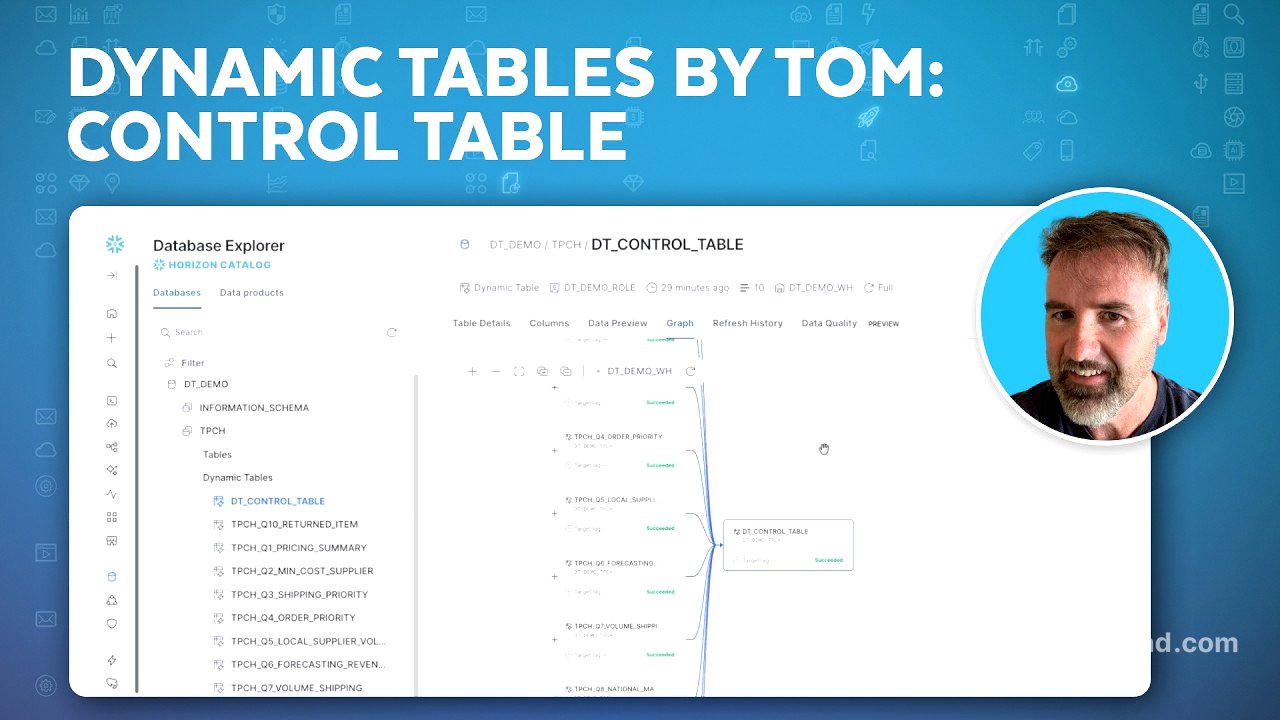
In this video, Tom Rottinger discusses control tables within the context of dynamic tables in Snowflake. He explains how control tables function as parent tables that can trigger refreshes for downstream dynamic tables. Tom demonstrates the setup of a control table using Coco, showcasing how to build a database, create dynamic tables, and establish dependencies. The video includes practical demonstrations and provides insights on achieving efficiency in data refresh processes.
- Control tables are parent dynamic tables that refresh all downstream tables.
- The video includes a demo on creating a database schema, dynamic tables, and a control table using Coco.
Introduction to Control Tables [0:00]
Tom introduces the topic of control tables, emphasising their role in refreshing dynamic tables. He provides a brief overview of previous discussions on various options for refreshing tables, noting the importance of control tables as a method to kick off the refresh process for multiple tables with a single command.
Setting Up the Environment [1:40]
In this segment, Tom demonstrates how to set up the necessary database schema and warehouse for the demonstration. He creates a database named "DT demo" with a schema for transaction processing performance data (TPCH). He explains the benefit of using local copies of tables for flexibility in testing and future updates.
Building Dynamic Tables with Coco [3:20]
Tom shows how to use Coco to build dynamic tables from the TPCH sample queries available online. He runs commands to create dynamic tables based on TPCH benchmark tests, where 10 distinct dynamic tables are generated within the environment, showcasing how the queries are executed in the background.
Creating Top Level Tables [5:00]
Next, Tom creates a top-level table, "Q9A summary profit," which references the previously created profit dynamic table. He explains the creation of this dependency and reviews the data, highlighting the advantage of summarising profit by year in the new table.
Building the Control Table [6:40]
Tom elaborates on the creation of the control table, sharing the prompt he used within Coco to generate it. He highlights the importance of referencing only necessary leaf nodes in the control table, which improves efficiency by preventing unnecessary refreshes of already sorted data.
Exploring Dynamic Tables and Visualising Workflows [8:20]
In the final section, Tom demonstrates how to use a graphical interface to visualise the structure of the dynamic tables and the control table within the DT demo database. He shows how to navigate through the connections between various tables, providing viewers with a clear visual representation of their relationships.