TLDR;
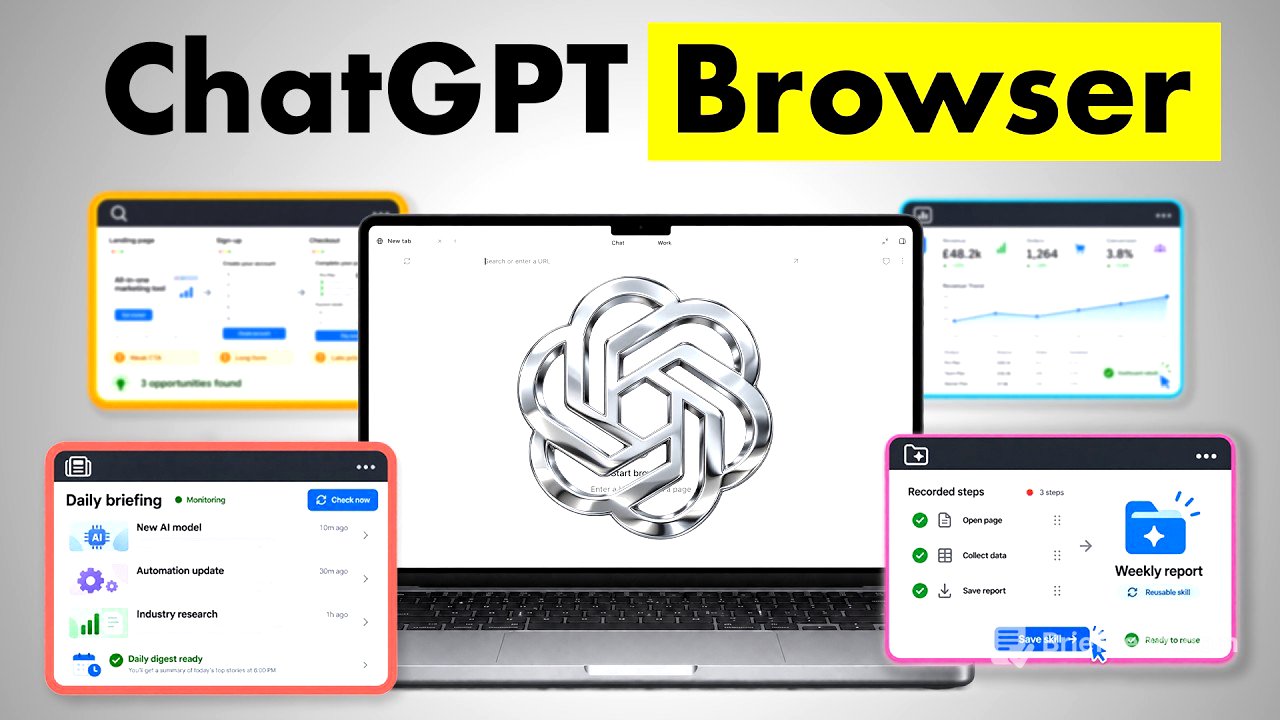
This video explores eight effective ways to use the ChatGPT browser, highlighting its powerful features that can save time. The main use cases include transforming ChatGPT into a personal assistant, automating tasks, and enhancing productivity across various workflows.
- Transform ChatGPT into a personal assistant while browsing.
- Turn information from websites into spreadsheets.
- Create detailed how-to guides with screenshots.
- Record repetitive tasks and turn them into reusable skills.
- Redesign websites in real-time with instant updates.
- Audit competitor marketing funnels.
- Monitor website changes regularly.
- Check restaurant availability effortlessly.
8 Ways to Use the ChatGPT Browser [0:00]
The video introduces eight primary use cases for the ChatGPT browser, emphasizing its functionalities and recent updates that enhance efficiency. The use cases are designed to streamline workflows and save time by utilising ChatGPT as an integrated tool while performing online tasks.
Use Case 1: Your Personal Assistant Anywhere [0:38]
The first use case involves using ChatGPT as a personal assistant directly within the browser. Instead of switching between applications, users can utilize ChatGPT for editing documents or processing tasks directly by interacting with the inbuilt browser in the ChatGPT desktop app. This allows for seamless assistance, such as updating Google Docs based on team comments without leaving the current workspace.
Using Claude as a Sparring Partner [2:07]
In this segment, the video explains how to leverage Claude, another AI tool, as a sparring partner to enhance ideas and provide improved outcomes. By initiating a session in ChatGPT and instructing it to interact with Claude, users can engage in discussions about various use cases. This collaborative approach helps refine ideas and generate comprehensive insights.
Use Case 2: Turn Any Website into a Spreadsheet [3:58]
The second use case demonstrates transforming website data into an actionable spreadsheet. The presenter shows how ChatGPT can extract restaurant information from Google Maps based on specific criteria, such as rating and booking options, and compile that data into a well-organised spreadsheet without manual input. This automates data collection for easier decision-making.
Use Case 3: How-to Guides with Screenshots [6:26]
This use case highlights generating detailed how-to guides while automatically capturing necessary screenshots. By instructing ChatGPT to create a blog article on processes, users can have it document each step, complete with screenshots and annotations in Notion. This is particularly useful for customer onboarding or creating instructional documentation, ensuring user-friendly material is readily available.
Use Case 4: Turn a Browser Job into a Skill [9:06]
The fourth use case involves recording and saving repetitive tasks as reusable skills. Users can demonstrate a workflow, such as downloading monthly invoices, which ChatGPT then converts into a skill for future automation. This eliminates the need to repeatedly describe the steps, allowing tasks to be executed with a single command.
Use Case 5: Redesign Your Website in Real Time [12:40]
This segment demonstrates how to redesign a website in real-time using ChatGPT's browser functionality integrated with Framer. The presenter shows a process where comments and change requests can be annotated directly on the website. Once processed by ChatGPT, the site reflects the updates instantly, streamlining the typically lengthy web design and update process.
Use Case 6: Audit a Competitor's Funnel [15:31]
In this use case, the video explains using ChatGPT to analyse a competitor's marketing funnel through the Meta Ads Library. It shows how ChatGPT can follow ads, examine landing pages, and sign-up processes automatically, gathering comprehensive insights about competitor strategies without manual scrutiny.
Use Case 7: Monitor Websites for Changes [18:51]
The seventh use case discusses creating a skill to monitor specific website changes, such as tracking AI news updates. ChatGPT can be programmed to regularly check designated pages and log updates in Google Sheets, notifying users via Slack when new information becomes available.
Use Case 8: Find Available Restaurant Tables [20:37]
The final use case shows how users can check restaurant table availability using ChatGPT. By inputting preferences like time and party size, ChatGPT can automatically check various booking platforms, providing a list of available options without the hassle of manual browsing.
Where to Start [21:39]
The video concludes by summarising all eight use cases and encourages viewers to start by implementing the most beneficial use case for their needs. It invites them to explore the available prompts and skills in the community, suggesting that automation can significantly enhance productivity and simplify workflows.