TLDR;
Haley, a technology trainer from Tiffin-Seneca Public Library, explains how to use the Libby app and its features. Libby is a free application that provides access to ebooks, audiobooks, and magazines from the library without any cost. Key details include how to sign up using a library card, navigating the app's interface, and borrowing titles.
- Libby allows you to access library content on mobile devices and offline.
- There are no late fees since borrowed items are automatically returned.
- The app features a search function, library browsing, and personal organization tools.
Introduction to Libby and Its Features [0:01]
Haley introduces herself and the purpose of the tutorial, which is to educate viewers on using the Libby app. She discusses Libby as a free resource for enjoying ebooks, audiobooks, and magazines from the library. Users can access content via mobile data or Wi-Fi, download materials for offline use, and sync them across devices. A notable feature is that there are no late fees since items are returned automatically when due.
Getting Started with Libby [1:00]
To start using Libby, users need to download the app or visit the website. After doing so, they will indicate whether they have a library card. Upon selecting “yes,” they can search for a library by name, city, or zip code, leading them to the Tiffin Seneca Public Library. After this, users will be prompted to sign in with their library card and enter their card number and PIN to create a Libby account.
Navigating the Libby Interface [3:00]
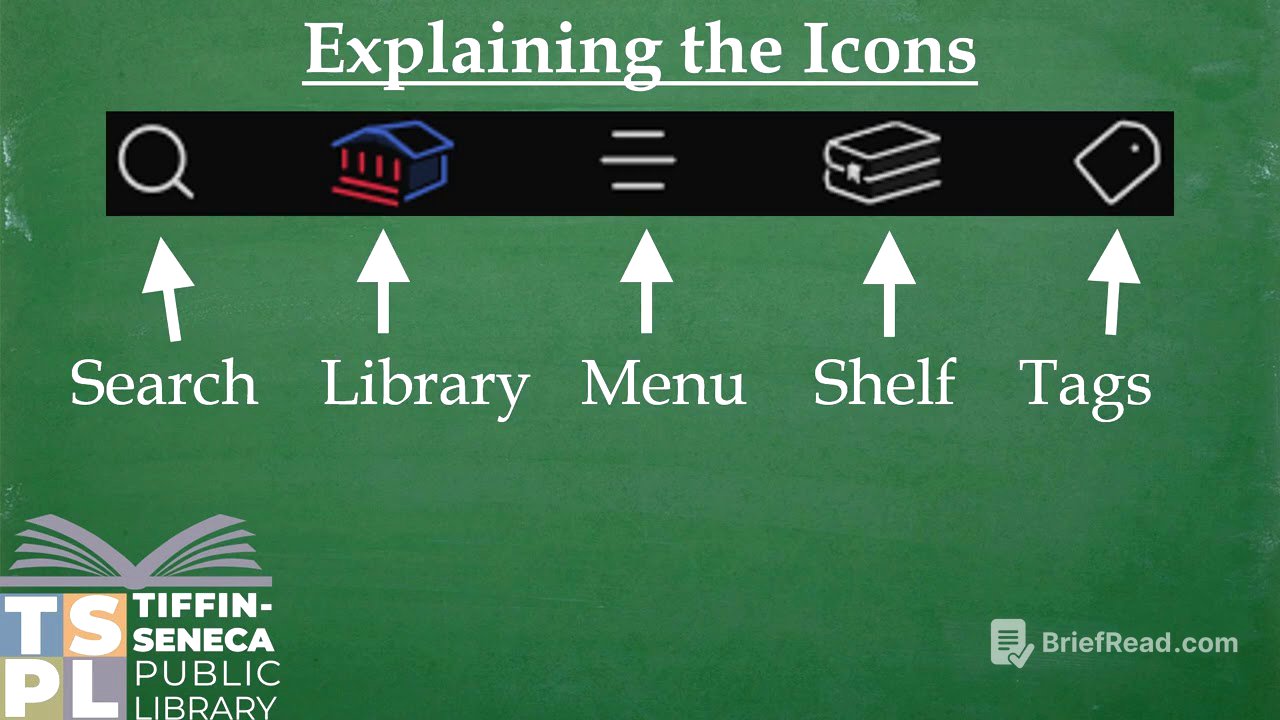
Haley describes the app's bottom icons. The search button allows users to find specific titles or authors. The library button helps browse the catalog with filters and curated lists. The menu button contains settings for managing library cards and adjusting personal preferences. The shelf button shows loans, holds, and notices, while the tags button lets users organize and save favorite titles for easy access.
Borrowing a Book in Libby [4:25]
To borrow a book, the user searches for a specific title, such as "The Seven Husbands of Evelyn Hugo." Clicking on the search result displays options for the ebook and audiobook formats with a synopsis. Users can place holds on books, with options to borrow up to 20 books and hold up to 30. The estimated wait time for holds can vary; as an example, the audiobook version may have a wait of several months due to high demand.
Contact Information and Conclusion [6:00]
Haley concludes the presentation by offering support for any questions about Libby. Viewers can reach out via email or phone to the Tiffin Seneca Public Library for assistance.