TLDR;
This video showcases some of the best apps for this week, focusing on entertainment options like live TV, movies, and sports. The host provides a step-by-step guide on how to download and install these applications using a device setup, including enabling developer options and utilizing a VPN for secure browsing.
- Instruction on setting up the Downloader app for app installation.
- Recommendations for four specific applications for entertainment.
- Importance of using a VPN for secure downloads and uninterrupted usage.
App Installation Guide [0:00]
The host introduces the video and begins guiding viewers to their home screen to download the Downloader app. The process includes searching for the app, initiating the download, and modifying device settings to enable app installations from unknown sources.
Enabling Developer Options [1:00]
Viewers learn how to enable developer options on their Fire TV. The host explains how to click through the menu until developer mode is active and how to toggle ADB debugging and allow unknown app installations, ensuring that the Downloader app can be used.
Using the Downloader App [2:00]
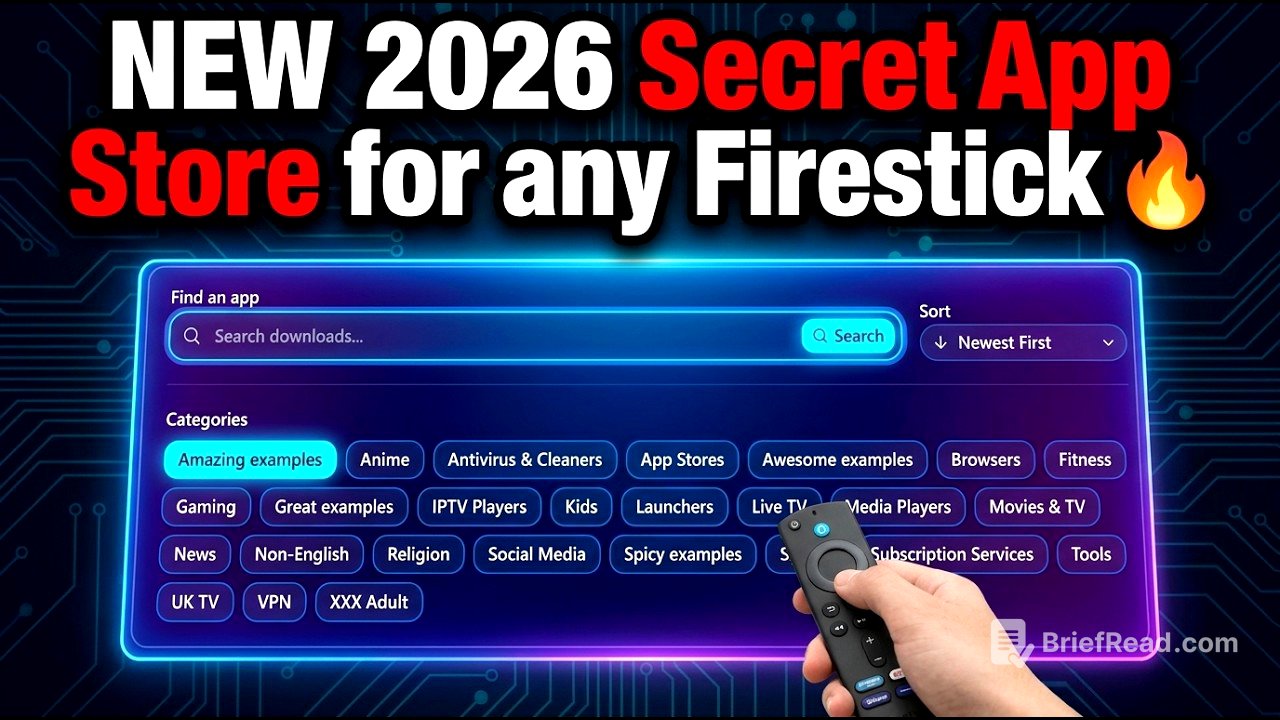
Once the Downloader app is opened, viewers are instructed on rejecting or accepting requests, entering a specific code that leads them to a library of over 300 applications available for download. The host emphasizes the importance of enabling VPN usage for safe downloading.
Recommended Apps: IPVanish [3:00]
The first recommended app is IPVanish, a VPN service. Viewers should download this app and complete the login process. The host details how to create an account and emphasizes maintaining VPN connectivity to prevent app freezes and ensure optimal performance.
Second Recommended App [5:00]
The next app introduced is a trusted entertainment platform that offers live TV, sports, and movie content. Viewers are guided through the download and installation steps, followed by confirmation of the app’s functionality once the installation is complete.
Third Recommended App [7:00]
The host moves on to an exceptional movie application, instructing viewers to download and install it in a similar manner. Emphasis is placed on enabling the VPN to avoid any access issues during usage.
Fourth Recommended App [9:20]
The final recommendation is for a sports app. The same download and install procedures are followed, with highlights on ensuring the VPN is active. After successful installation, viewers are reminded to delete any unnecessary installation files.
Final Overview and Closing [11:00]
The video concludes, reminding viewers that all applications are available on their home page. The importance of the VPN is reiterated for safe and effective browsing. The host invites viewers to engage with the video through comments, likes, and subscriptions.