TLDR;
This video provides a comprehensive guide to creating and growing a successful YouTube Shorts channel, detailing strategies for niche selection, content creation, and algorithm optimization. It emphasizes building channel trust, reverse engineering viral content, and using AI tools for efficiency. The video also covers monetization, common pitfalls, and the importance of audience retention through psychological techniques.
- Building channel trust from day one is crucial to avoid limited initial reach.
- Reverse engineering the virality of videos by leveraging what's already working for your audience.
- Retention is key, focusing on hook, body and reward.
How I Got 800M+ Views With YouTube Shorts [0:00]
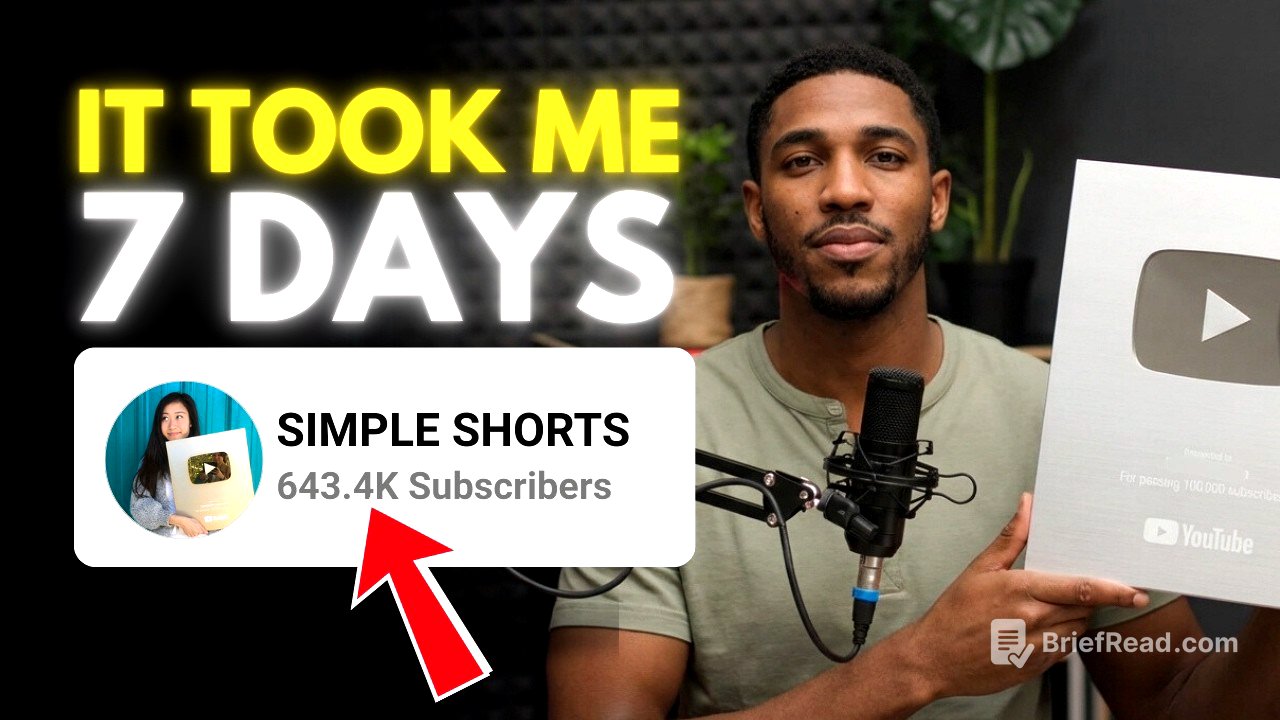
The creator shares their success story of achieving over 800 million views and 600,000 subscribers on YouTube Shorts in just five months, resulting in approximately $75,000 in earnings. The video promises to reveal the secrets behind this success, including a simple niche that anyone can start with no prior knowledge of YouTube automation.
Why This Is NOT a Get-Rich-Quick Scheme [0:19]
The creator emphasizes that the strategies discussed are not a get-rich-quick scheme, as it took them five months to achieve their results. The video is intended for those willing to invest time and effort, rather than seeking instant success.
Creating a YouTube Channel That the Algorithm Trusts [0:31]
The video addresses the importance of building channel trust from the beginning to avoid limited initial reach, which is often mistaken for shadowbanning. To build trust, the creator advises using an older Google account with established activity history, including search, watch, and comment history. Alternatively, a new account can be "warmed up" for 5-7 days by engaging in normal user activities like watching, liking, and commenting on videos before uploading any content.
How to Warm Up a New Google Account Properly [1:09]
If you don't have an old account, create a brand new account, but warm it up for 5-7 days to build those histories by watching videos daily, like videos, comment naturally, subscribe to the channel you love, and avoid uploading immediately. Act like a real human.
Setting Up Your Channel (Logo, Banner & Verification) [1:25]
The creator outlines the steps to properly set up a YouTube channel, including verifying the phone number in the feature eligibility settings to avoid appearing low trust. While the creator didn't find keywords particularly important for Shorts, they advise keeping the logo and channel banner simple. For the logo, using a face or recognizable figure is recommended to capture audience attention. The banner should be designed within Canva using a template with borders to ensure visibility on all devices.
The Viral Shorts Content Strategy Explained [2:57]
The video transitions to content strategy, focusing on monetization by achieving 1,000 subscribers and 10 million views. The creator shares that they monetized their channel in under 30 days. Instead of warming up the account, the creator advises using that time to find trending videos.
How to Find Viral YouTube Shorts Topics [3:31]
To find viral topics, the creator recommends opening YouTube in incognito mode to avoid personalized feeds and identify genuinely trending content. Search for heartwarming or heroic stories, filter by Shorts, and look for videos that are already going viral. By checking the description, you can see the total views and when it was posted. The goal is to recreate these videos, not steal them.
Recreating Viral Videos Without Copyright Problems [4:52]
The creator emphasizes the importance of recreating rather than stealing videos to comply with YouTube's policies and avoid copyright strikes, which can lead to channel termination. Recreating successful ideas allows you to leverage proven content while staying within YouTube's guidelines.
The Secret AI Method [5:12]
The creator mentions a simple AI method for consistently finding good video topics, but can't share it in the video because if the exact strategy becomes public, a lot of people will start copying it and the niche could become saturated very quickly. The creator has included that method along with the entire workflow on Gumroad where everything is broken down step by step.
The Script Method That Keeps People Watching [5:53]
The creator shares their method for scripting videos, which involves obtaining the transcript of a trending video and adding a unique spin. The script can be written manually or rewritten using ChatGPT, with a recommendation to review the AI-generated content for accuracy.
Free AI Voiceover Method (Unlimited) [6:16]
For voiceovers, the creator recommends Google AI Studio, which is free and unlimited. The process involves using the text-to-speech feature, selecting a speaker, pasting the script, and choosing a voice. The generated voiceover can then be downloaded.
Finding the Characters for Your Story Videos [6:49]
To find footage for videos, the creator first identifies the characters in the story and converts them into a 3D style using tools like ChatgPT. The characters are then separated for individual use.
Generating Visual Prompts With AI [7:36]
The creator uses AI to generate visual scenes for each line of the script, ensuring that the number of scenes matches the number of lines. The AI-generated prompts are then used to create visuals.
Creating Viral AI Images for Shorts [7:56]
The creator uses Nano Banana Pro to generate visuals, but suggests Whisk as a free alternative. The process involves uploading characters, pasting prompts for each scene, selecting relevant characters, and generating images with a 9:16 aspect ratio.
Turning AI Images Into Short Videos [8:50]
To turn images into videos, the creator recommends Grock, which offers around 10 free generations per day. Auto video generation should be turned off in the settings to maintain full control. The process involves uploading the image, pasting the prompt, and generating the video in a 9:16 aspect ratio.
Editing Viral YouTube Shorts (CapCut Method) [9:46]
The editing process involves using a video editor like CapCut to add value and avoid being marked as inauthentic content. The creator advises importing the voiceover and visuals, adjusting the pacing of the voiceover, arranging the clips, adding the original image and a heart emoji at the end, incorporating sound effects and transitions, adding captions, and including background music.
Uploading Shorts Correctly for Maximum Reach [11:56]
The creator emphasizes that the type of content posted affects earnings due to YouTube's RPM (revenue per mille) system. English-speaking countries generally have higher RPMs, so using English voiceovers and captions can help. The creator advises against using VPNs, as RPM is based on viewer location, not upload location.
Understanding YouTube Shorts RPM & Monetization [12:19]
The creator explains that YouTube pays based on RPM, which is the revenue per 1,000 views. RPM is affected by the audience's location, with English-speaking countries typically having higher RPMs. The creator advises using English voiceovers and captions to attract viewers from these countries.
Common Mistakes That Kill Your Views [12:57]
The creator warns against using VPNs to upload content, as it can signal suspicious activity and doesn't affect RPM, which is based on viewer location.
Uploading With The YouTube App [13:27]
The uploading process involves using the YouTube app, selecting the video, choosing a song from the YouTube audio library, entering a title with highly searched keywords, and using the hashtag #shorts. The creator advises selecting the best moment as a thumbnail and ensuring the correct audience setting. After posting, the creator recommends leaving the video alone to allow the algorithm to work.
Escaping YouTube “Views Jail” [15:09]
The creator advises that if a channel doesn't grow within the first month and remains stuck at low views, it's best to start a new channel or use a different account. YouTube's algorithm places invisible labels on channels based on early video performance, making it difficult to break out of a pattern of low views.
The Retention Psychology Strategy [15:59]
The creator introduces the concept of retention psychology, emphasizing that the YouTube algorithm prioritizes audience retention. If viewers stay on a video, YouTube pushes it to more people. The audience retention graph indicates whether people are leaving quickly, which affects the video's reach.
The Hook, Body & Reward Viral Formula [16:50]
The creator breaks down a video into three psychological parts: the hook, the body, and the reward. The hook, which is the first 3 seconds, is crucial for grabbing the viewer's attention. The body should consist of universal and easy-to-understand clips with fast pacing and frequent cuts. The reward, which is the ending, should provide a payoff to lock in engagement.
Consistency Strategy for Growing a Channel [18:34]
The creator recommends rewatching the video to fully understand the strategies. They also suggest exploring a YouTube automation playlist for profitable niches and strategies. The video concludes by encouraging viewers to like the video and subscribe to the channel.