TLDR;
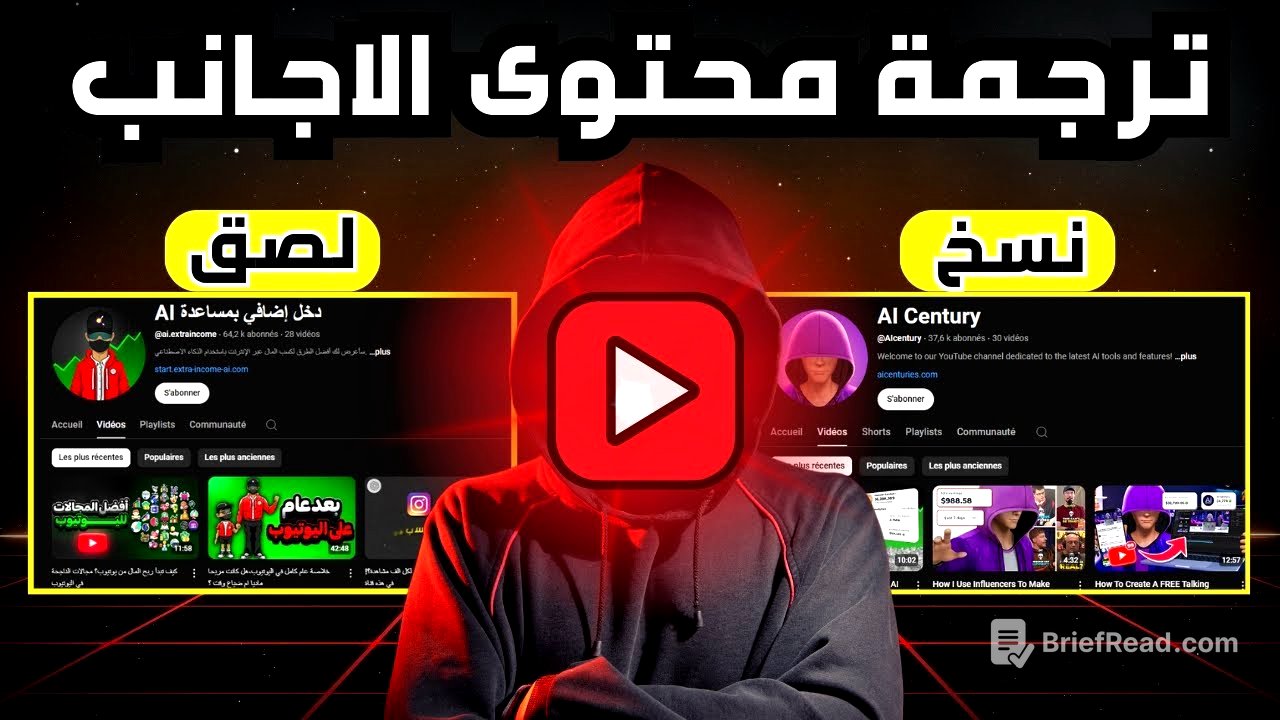
This video explains how to repurpose foreign language videos into Arabic content using AI tools. It covers extracting scripts, translating them, generating voiceovers, and creating visuals to produce engaging Arabic videos.
- Use AI to translate and adapt foreign videos into Arabic.
- Extract video scripts using a browser extension.
- Translate scripts using tools like ChatGPT, adapting the language for storytelling.
- Generate voiceovers using AI or record your own.
- Create visuals using AI-generated characters and editing software.
Introduction [0:00]
Many Arabic works are imitations of foreign content like movies, series, and music. Previously, understanding and translating these foreign works required language proficiency. Now, AI simplifies the process, allowing you to rephrase any foreign video into Arabic with ease. The video will demonstrate how to re-create foreign videos in Arabic step by step.
Installing the Script Extraction Tool [0:34]
To extract the script from a YouTube video, you need to add a specific tool to your browser. Go to your browser's settings, usually found by clicking on three dots in the corner, and navigate to the extensions section. Search for the tool by typing the provided phrase into the search bar. Once found, click on the tool and add it to your browser. Confirm the installation by clicking "agree." Now, when you go to YouTube, you will see that the tool has been successfully added.
Selecting a Niche and Finding Suitable Videos [1:12]
Choose a niche, such as horror stories. Search for "horror stories" in the translations to find relevant content. Then, search for the copied result on YouTube. Look for foreign videos with high engagement and views. For example, a channel with over 6 million subscribers has videos with millions of views. When you open a video, the added tool will appear, allowing you to access the video's full script.
Translating the Script with AI [1:58]
To translate the script, you can either translate the entire script at once or translate it piece by piece. If you want to use the script and work on it, copy the entire script and paste it into ChatGPT with the prompt "Translate this script into Arabic." However, for a more refined translation suitable for storytelling, copy the script in segments. Paste each segment into ChatGPT with the prompt "Translate this text to be suitable for a storyteller." This will provide a professionally translated text. Repeat this process for each segment of the script. Always read the story carefully and skip any promotional content from the original creator.
Creating the Video: Voiceovers and Visuals [3:07]
Convert the translated Arabic text into audio. You can record the stories in your own voice or use AI for voiceovers. Choose a voice that suits horror stories and maintain consistency in your channel. After preparing the audio clips, create visuals that match the story. The creator recommends creating a character that narrates the story from a room. You can create such characters by modifying the provided prompt in the video description. Copy the text, go to the translation, and modify it. For example, remove "businessman" and add "sitting behind his desk in his room." Follow the steps in the linked video to generate the character.
Video Editing and Final Touches [4:26]
Use any video editing software you prefer. If you are looking for a free option, use CapCut. Start by adding your audio clips to the project, then add the video of the character you created. Merge them seamlessly. To add excitement, include sound effects like rain, but keep the volume low to blend with the narration. The result is a compelling video. To enhance the video, add short clips that depict events from the story. Download these clips and add filters to avoid copyright issues.
!["This is a civilisational failure!" – World's Strictest Headmistress Katharine Birbalsingh [ARC26]](https://wm-img.halpindev.com/p-briefread_c-10_b-10/urlb/aHR0cDovL2ltZy55b3V0dWJlLmNvbS92aS9FcWpfU25USWhOWS9ocWRlZmF1bHQuanBn.jpg)