TLDR;
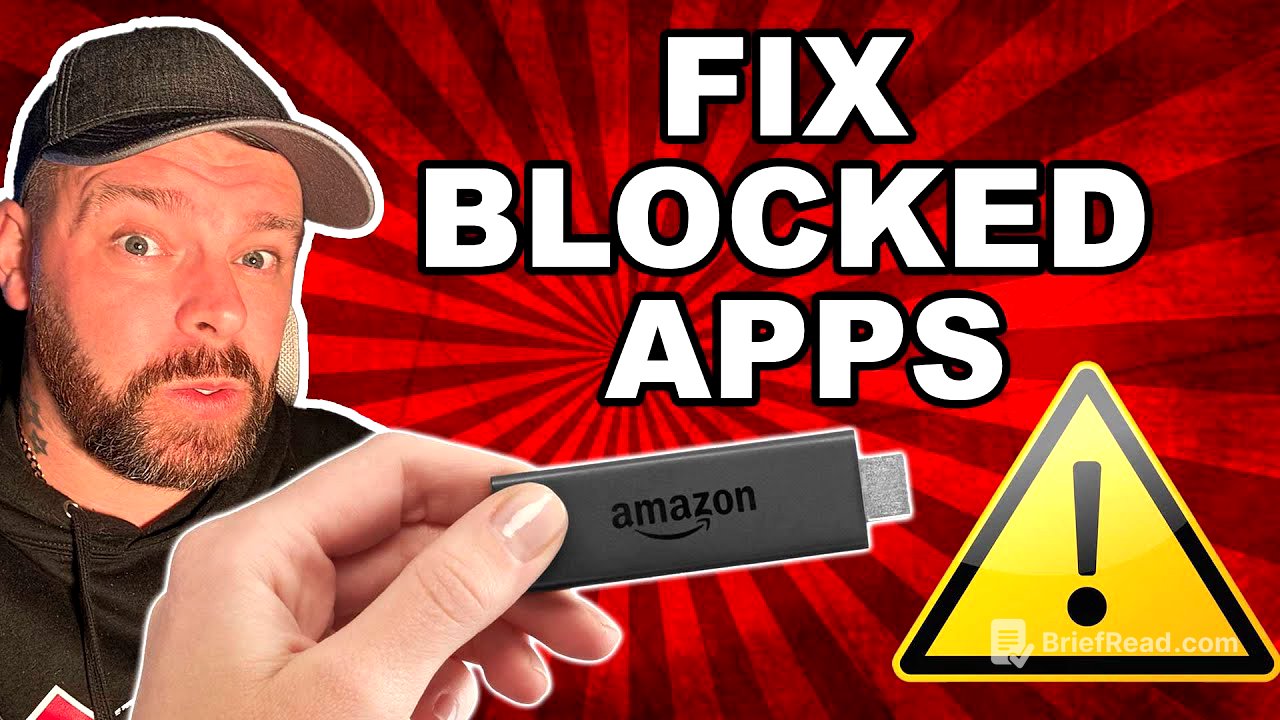
This video provides a workaround to bypass Amazon's app blocking on Fire TV Sticks. It introduces the "App Cloner" application, which duplicates apps and changes their package names, effectively unblocking them. The method doesn't require a PC or phone and can be done directly on the Fire Stick.
- Use "App Cloner" to duplicate apps.
- Cloned apps have different package names, bypassing Amazon's blocking.
- The process is done directly on the Fire Stick.
Introduction [0:00]
Amazon has been blocking apps on Fire TV Sticks, but there's now a solution to bypass this. This method can fix currently blocked apps and prevent future blocking, without needing a PC or phone, as it's all done on the Fire Stick itself. The presenter apologizes for not being at his usual desk and encourages viewers to subscribe for more updates and fixes.
Installing App Cloner [0:50]
To begin, navigate to the search button on your Amazon Fire Stick and type in "App Cloner". Select the "App Cloner" option from the search suggestions and download the app that appears in the search results.
How App Cloner Works [1:18]
The "App Cloner" application functions by creating a duplicate of an existing app and assigning it a new package name. For example, an app like Apple TV, which has a package name like "com.apple.tv," will be cloned, and its package name will be changed to something different, such as "com.weather.app." While you can't choose the new name, the app still works.
Cloning and Installing the App [2:02]
To use the app, select the app you want to clone (e.g., Cinema HD). You may need to agree to permissions and enable app installation for App Cloner. After that, click "clone" to start the process, which modifies the app and renames its package. Once cloning is complete, install the cloned app as normal. You'll then have two versions of the app, with the cloned version having a different package name and bypassing the block.
Additional Tips and VPN Recommendation [2:36]
Another tip is to clone the Kodi app to have multiple versions with different package names. The presenter encourages viewers to subscribe for more updates and suggests watching a previous video on how to stop Amazon from tracking and collecting data. He also recommends using a VPN, mentioning a Black Friday deal with 83% off for unlimited devices, available in the video description.




![Deal or No Deal Preview : Evaluating Multifamily & BTR Deals Like a Pro [Shark Tank!]](https://wm-img.halpindev.com/p-briefread_c-10_b-10/urlb/aHR0cDovL2ltZy55b3V0dWJlLmNvbS92aS9LR05BQnpIczRVRS9ocWRlZmF1bHQuanBn.jpg)