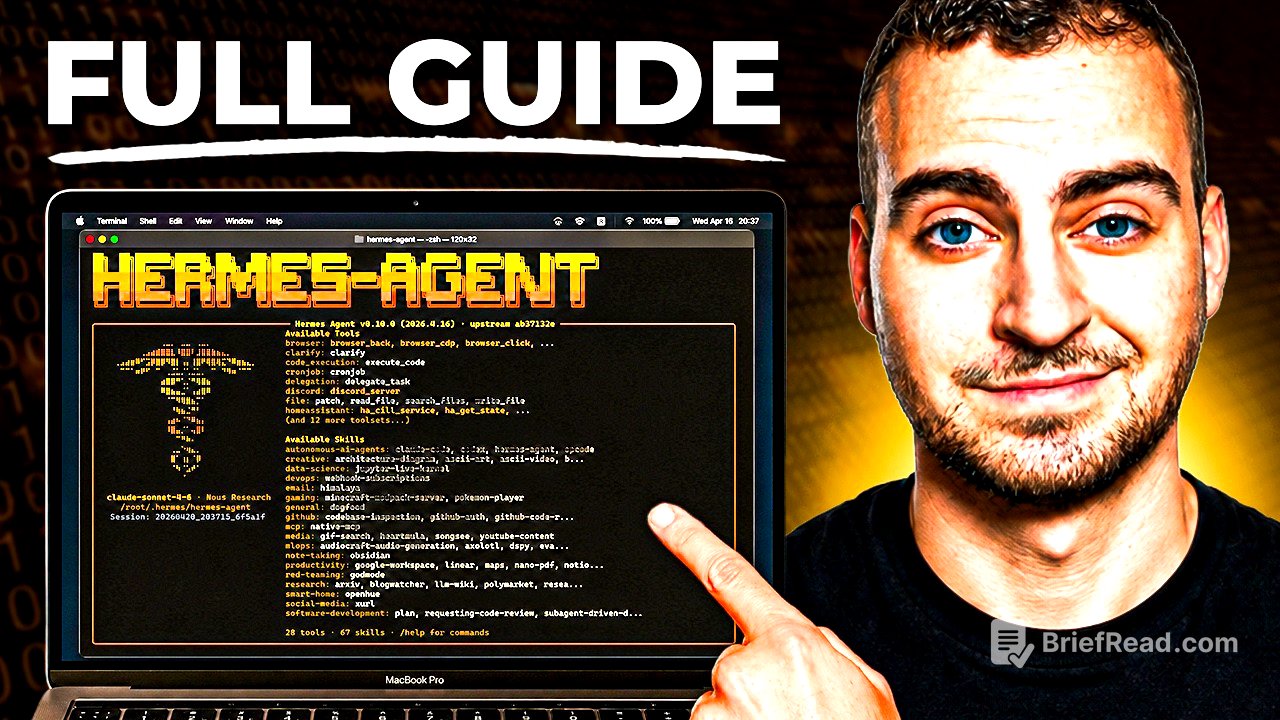
TLDR;
This video serves as a comprehensive guide to setting up, configuring, and using Hermes Agent as a personal AI assistant. By the end of the tutorial, viewers will learn how to enable Hermes Agent to manage emails, calendars, conduct web research, and much more, all while emphasizing safety and efficiency.
- Introduction to Hermes Agent as a self-learning AI assistant.
- Key concepts like memory, skills, and security considerations outlined.
- Detailed setup instructions, including deployment on a Virtual Private Server (VPS) and integration with messaging applications.
Overview [0:00]
Hermes Agent is introduced as a personal AI assistant that operates 24/7 on a Virtual Private Server (VPS). It allows users to automate tasks, handle emails, manage calendars, and conduct research while adapting and improving based on usage. The author highlights its key differentiators, including self-learning capabilities, while discouraging its use for singular automation tasks.
What is Hermes Agent? [0:53]
Hermes Agent is described as a software that operates with a large language model (LLM), managing context and providing various tools like web browsing and coding capabilities. Different core elements of the agent include memory storage that gathers user-related information, built-in skills for repetitive tasks, and capabilities for self-improvement based on user interactions.
Pre-Requisites [2:43]
Before setup, the viewer is advised on necessary preparations such as having a VPS ready for Hermes installation and understanding the terminology related to Hermes's functionalities. Users are encouraged to familiarize themselves with concepts like skills and memory to enhance their understanding during the configuration process.
How Hermes Agent Works [3:21]
An explanation of Hermes Agent's internal mechanics is provided, covering how it processes user input and maintains context through memory files like user.md and memory.md. The functions and purposes of established skills in automating tasks are elaborated, along with how Hermes can adapt to user preferences over time.
Understanding Memory & Skills [6:48]
Memory is detailed as a vital component that records user information and long-term facts, while skills enable the automation of repetitive tasks. Hermes Agent can utilize up to 90 built-in skills and over 500 community skills, simplifying users’ interactions through structured workflows.
Agent Soul [8:17]
‘Soul’ file configurations are introduced as a way to personalize Hermes Agent's personality traits. Users are shown how to prompt the agent to adjust its tone and mannerisms to suit their preferences for interaction, enhancing the personalized experience.
Security Disclosure & Risks [10:14]
Important security precautions are emphasized when using Hermes Agent. Users are advised to limit the agent's access permissions, set spending limits for API keys, and be cautious about exposing sensitive information, ensuring the setup process incorporates guardrails against potential errors or malicious activity.
VPS Setup & Deployment [13:52]
Step-by-step instructions for deploying Hermes Agent on a VPS through Hostinger are provided. This section covers selecting a plan, configuring settings, and utilizing secure Docker containers, making the installation accessible for users with varying technical backgrounds.
Hermes Setup Options [18:30]
Details of the installation process are discussed, focusing on settings for selecting preferred AI models and speech synthesis tools. Users are guided on how to configure settings according to their individual needs, including the choice of LLM providers.
Telegram Message Setup [26:20]
The setup for integrating Hermes Agent with Telegram is outlined, including creating a bot via Telegram's BotFather and ensuring user identification settings for secure interactions. This enables users to communicate easily with Hermes Agent through their messaging apps.
Browser Tools & Setup [29:40]
Instructions on configuring browser tools are shared, explaining the difference between standard and headless browsers while addressing the need for browser automation capabilities to enhance the agent's functionality for web-related tasks.
Basic Usage and TUI [32:20]
The Terminal User Interface (TUI) is introduced, detailing how to communicate with Hermes Agent using command inputs. Users are guided on general command usage, allowing easier interaction within the application.
Telegram Usage [34:23]
Practical usage of Hermes Agent through Telegram is demonstrated, showing how users can send prompts and receive responses. The importance of maintaining clear communication with the agent is emphasized.
Setting the User Preferences & Soul [37:40]
Viewers learn how to set user preferences through input prompts, helping Hermes Agent tailor its responses and style of interaction to specific user needs. Continuous feedback is encouraged to refine the bot's performance.
GitHub Backup & Setting Credentials [39:00]
The process for establishing a GitHub repository for automated backups of Hermes Agent's configurations is explained. Users are guided through creating a personal access token for secure repository management to ensure that important files and memories are consistently backed up.
Voice & TTS [47:28]
Functionality for voice input and output is tested, showcasing how Hermes Agent can handle voice commands and produce spoken responses. This aspect enhances the ease of use for those who prefer verbal communication.
Fixing Browser Control [48:38]
Instructions for troubleshooting browser issues when using Hermes Agent for web automation are provided. Users are encouraged to prompt the agent to self-correct any connectivity issues encountered.
How to Connect ANY Tool (Gmail, Meta, etc.) [49:58]
Integration with various applications like Gmail is explored through an external tool called Compose. Users are guided on connecting different apps to Hermes Agent, simplifying task automation across multiple platforms.
Scheduled Automations [54:56]
Practical examples of setting up scheduled task automations are shared, with step-by-step instructions on configuring Hermes Agent to perform regular activities like email triage and security audits. Viewers are encouraged to think creatively about their own automation needs, reinforcing the bot's adaptability.