
TLDR;
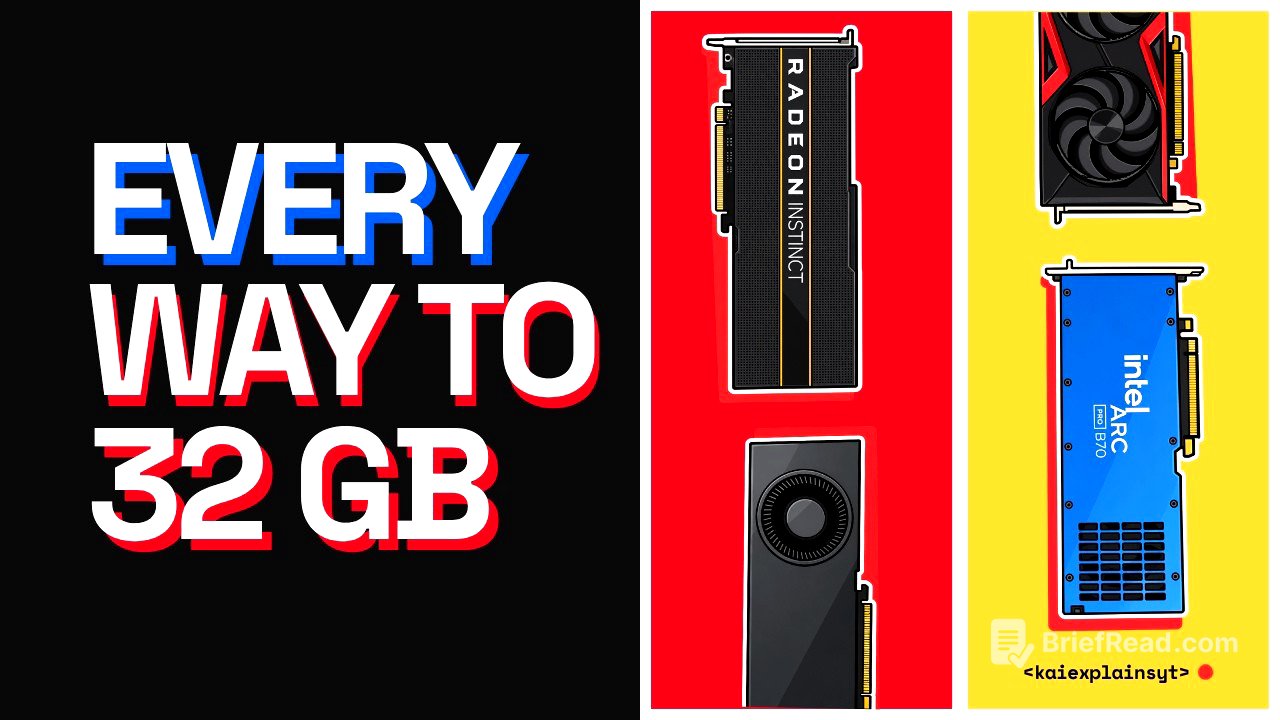
This video discusses the complexities of acquiring a GPU with 32 GB of VRAM, addressing common misconceptions and critical details about performance and usability. The author emphasizes understanding the actual usable gigabytes and performance differences between various GPU options.
- The recommended VRAM requirement often leads to miscalculations due to software limitations.
- Different models and configurations can substantially affect performance and usability.
- Renting options may be more cost-effective than purchasing hardware outright for occasional use.
$19 a gig, and no driver [0:00]
The video opens with a relatable scenario where individuals discover an AI model requiring 32 GB of VRAM, only to realize their current hardware falls short. The author reflects on personal experiences with this situation, highlighting the challenges faced when trying to run high-demand models with inadequate VRAM. This sets the stage for exploring the complexities around GPUs and the necessity of 32 GB VRAM, particularly for models like Quinn 3.827B, which need this amount for optimal performance.
Why price per gig looks right [1:10]
The speaker examines how tracking GPU prices by gigabyte often leads users to overlook critical performance aspects, as not all gigabytes are equal across different cards. A GPU price tracker indicates that the AMD Instinct Mi50 and Tesla V100 cards offer 32 GB of VRAM at seemingly attractive prices, but their utility is compromised by lack of robust software support. The importance of understanding this nuance to avoid poor purchasing decisions is emphasized.
Advertised gigs vs usable gigs [2:30]
There’s a discussion about the discrepancies between advertised and usable memory. For example, the Mac Mini features 32 GB of unified memory, but macOS restricts the GPU to using only two-thirds of this memory. Hence, the actual useable VRAM is around 22 GB. Misunderstandings in these areas can lead to ineffective hardware choices, as users might assume they have full access to the advertised specs.
Three 32GB names that hold 24 [3:54]
The speaker stresses the common pitfalls in GPU names that lead to confusion about true VRAM capacities. Different versions of the same GPU model may have vastly different specifications—like the RTX 5090 laptop vs. desktop versions—and misinterpretation can result in purchasing cards with fewer capabilities than expected. The discussion calls for careful verification of specifications from credible sources to avoid being misled.
Same card, three different speeds [4:54]
Performance discrepancies among GPUs are introduced, showing how identical cards can run at vastly different speeds depending on the software utilized. The author provides examples of AMD R9700, revealing how its speed varies significantly with different software configurations, indicating that the processing engine significantly influences performance outcomes.
V100 and MI50: cheap until you read the prompt [6:21]
The cheapest alternatives, like the V100 and MI50, are examined for their real-world utility. While the MI50 offers attractive specs at a low price point, its processing speed can hinder its practical use, as evidenced by contrasting performance metrics shared. These cards are recognized as budget-friendly but come with significant limitations in everyday applications, especially for coding workloads.
Two 16GB cards: the default split [7:58]
The use of two 16 GB cards is discussed, and how users often expect them to function like a single 32 GB card. However, each card incurs its overhead, reducing usable VRAM. The author recommends understanding different splitting models to maximize performance, with examples showing how settings like tensor split can enhance throughput significantly compared to the default configurations.
R9700 vs B70: $400 of software [9:42]
A comparison of two specific GPUs, the AMD R9700 and Intel Arc Pro B70, highlights their performance and software support challenges. Despite similar specs, the R9700 has a stronger community backing, making it easier to find compatible software, whereas the B70 requires more significant effort to use effectively.
The 32GB Mac and the $4,400 5090 [11:08]
The discussion turns to the high costs of acquiring advanced hardware, such as the RTX 5090, emphasizing a consideration of renting versus buying for various user scenarios. With a thorough comparison of the costs associated with ownership and rental, the voice encourages viewers to evaluate their unique needs before making a hardware purchase.
The buyer who should rent instead [12:09]
A strong case for renting rather than buying hardware is presented for users with sporadic needs—from residential projects to personal experimentation with AI models. The cost-effectiveness of rent based on usage frequency is outlined, advising that occasional users may benefit more from renting setup as opposed to heavy investment in personal hardware.
What to buy this week [13:27]
Concluding the video, the author provides a buying guide for potential GPU purchasers. The recommendations vary based on user preferences, from beginner setups that "just work" to more advanced options for those willing to engage with community-source solutions. Factors like ease of use, expected performance, and future upgrade possibilities inform these purchasing decisions.








![ILLSLICK - แค่ฉัน [Official Video]](https://wm-img.halpindev.com/p-briefread_c-10_b-10/urlb/aHR0cDovL2ltZy55b3V0dWJlLmNvbS92aS96RHc5Y18wTkVkQS9ocWRlZmF1bHQuanBn.jpg)