TLDR;
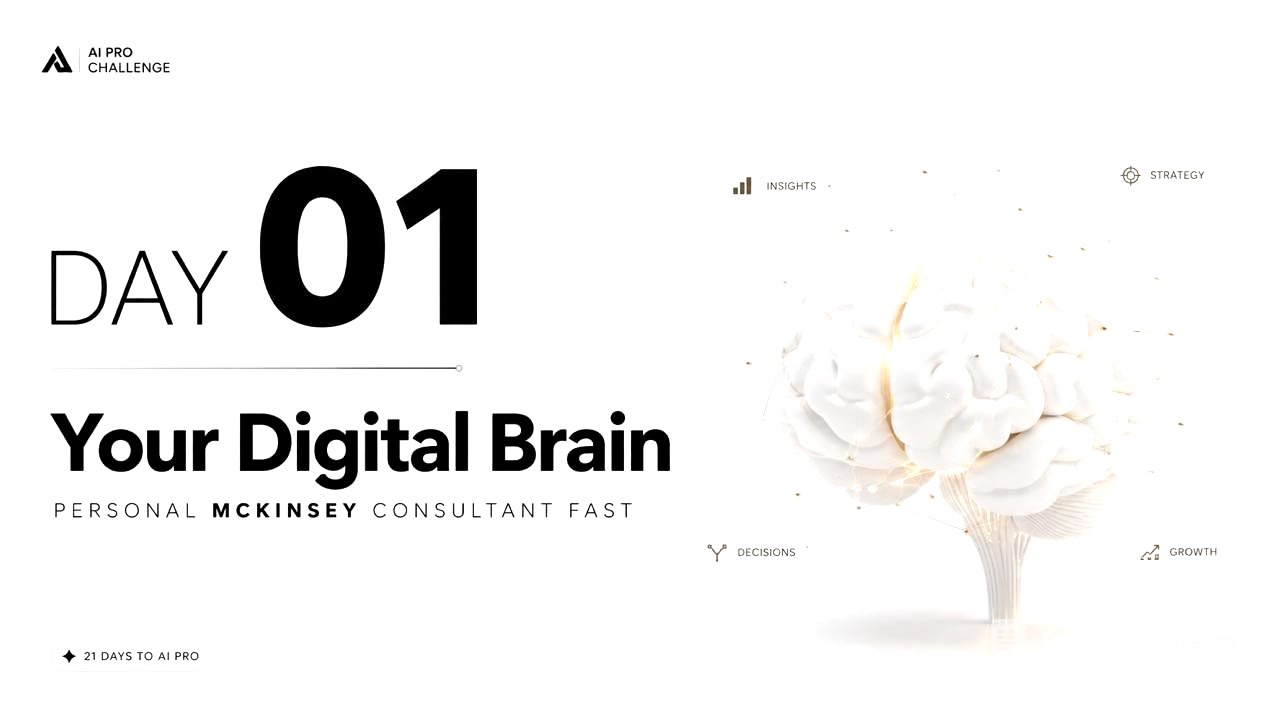
In this video, Dhruv Pawar introduces a 21-day AI Pro Challenge aimed at building an AI consultant for businesses. He shares a step-by-step guide for participants to create a business document using AI tools, emphasizing the importance of specific and relevant responses from AI for efficient results.
- Participants will create a business document.
- Dhruv shares insights on using AI effectively without overwhelming detail.
Day 1: Introduction to the AI Pro Challenge [0:00]
Dhruv welcomes everyone to the first day of the challenge and expresses his excitement. He outlines the day's objective of creating a high-level AI consultant ready to assist with research, planning, or task execution tailored to participants' businesses. He describes the benefits of using AI for generating relevant and precise information instead of lengthy write-ups.
Step 1: Creating the Business Document [1:52]
Participants are instructed to access a mother guide provided through a link. They need to make a copy of the document and fill it out step-by-step. Dhruv shares that he spent three hours creating his own document for his business, emphasizing the need for detailed and specific information, including business name, core problems, customer journey, services, pricing, and competitors.
Utilizing ChatGPT for Assistance [3:46]
Dhruv suggests that participants use ChatGPT to help articulate their business descriptions, especially for those who may struggle with English. He provides an example of how to input business information into ChatGPT to get accurate translations and responses. Participants must fill in each question with thoughtful answers as if they are training an employee.
Finalizing the Business Document [5:14]
After answering all questions, participants are instructed to delete the questions and download the completed document as a PDF. Dhruv emphasizes the importance of clarity and context in the responses to create a solid foundation for the AI consultant.
Step 2: Setting Up in Cloud [6:17]
Participants must open a cloud project using a free plan to replicate Dhruv's steps. He demonstrates how to create a new project and upload the previously downloaded PDF. Participants are guided on how to provide instructions to the AI regarding the type of treatment they expect from their consultant.
Providing Instructions to AI [8:15]
Dhruv explains the importance of setting specific instructions for AI responses, such as always replying and avoiding artifact generation to save credits. He shares a customizable instruction that participants can use to ensure relevant and efficient responses from the AI.
Conclusion and Expectations for Day 2 [12:26]
Dhruv wraps up the session by discussing the journey ahead in the next days of the challenge, emphasizing the goal of building a skilled AI workforce for participants' companies. He encourages everyone to be prepared for the continuous development of their AI agents and keep an eye on their emails for upcoming instructions.