TLDR;
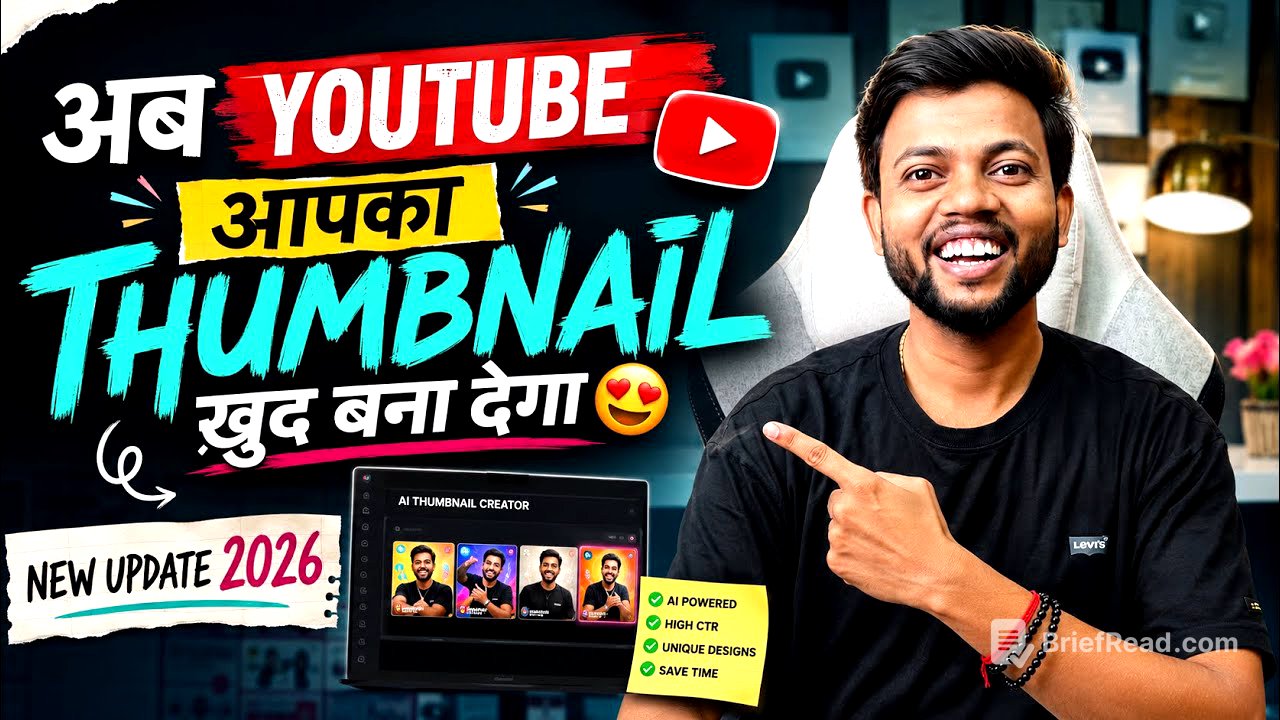
The video discusses a new YouTube update that automates the process of thumbnail creation, reducing the workload for creators. With this update, YouTube will generate the thumbnails and text for videos on its own, allowing users to focus solely on video production.
- YouTube now automatically creates thumbnails and relevant text.
- Creators should use the Chrome browser for the new feature.
- The system integrates AI to generate attractive thumbnails based on video content.
YouTube's New Thumbnail Update [0:00]
The video introduces a significant update from YouTube that automates thumbnail creation. Previously, creators needed to design thumbnails manually after filming and editing their videos. They had to think of catchy text and visuals to attract more clicks. This new update eliminates that necessity, as YouTube can now generate thumbnails independently, including suggested text.
How to Use the New Feature [1:10]
To access this feature, users must log into their YouTube account using the Chrome browser in desktop mode, as it’s not available on the YouTube Studio app. Creators need to upload their videos as unlisted to use this functionality. After uploading, they can utilize the 'Ask Studio' feature to create thumbnails based on their video content.
Thumbnail Creation Process [2:10]
Once in the 'Ask Studio' section, creators select the video they want a thumbnail for and simply type a request to create a thumbnail. YouTube's AI will analyze the video and generate several options for thumbnails, typically providing two to three designs that the creator can then choose from.
Quality of the Generated Thumbnails [4:00]
The video showcases the quality of thumbnails created by YouTube, demonstrating how the platform effectively uses stills from the video and applies attractive text. It emphasizes that these auto-generated thumbnails are visually appealing, with the appropriate use of colors and text that grabs viewers' attention.
Customization and Flexibility [6:20]
The video highlights that creators have the option to request changes to the generated thumbnails if desired. They can edit the text or visuals, allowing for further personalization while keeping the process straightforward and user-friendly.
Future Prospects [7:40]
The narrator suggests that this is just the beginning of YouTube’s integration with AI, indicating that future updates may allow for automated video editing as well. Encouraging creators to make use of this new feature, the presenter simplifies the content creation process, advocating for more users to engage with YouTube, no matter their level of expertise.
Conclusion [8:15]
In conclusion, the video encourages viewers to embrace the new update for easier thumbnail creation and to subscribe for more insights. It promotes the idea that with YouTube's advanced AI tools, anyone can begin creating videos without worrying about the complexities of thumbnail design.
![STOCK Market Hits ALARMING $1 Trillion Margin Debt [What's Next?]](https://wm-img.halpindev.com/p-briefread_c-10_b-10/urlb/aHR0cDovL2ltZy55b3V0dWJlLmNvbS92aS8wRDBpUk0wdnVjNC9ocWRlZmF1bHQuanBn.jpg)