TLDR;
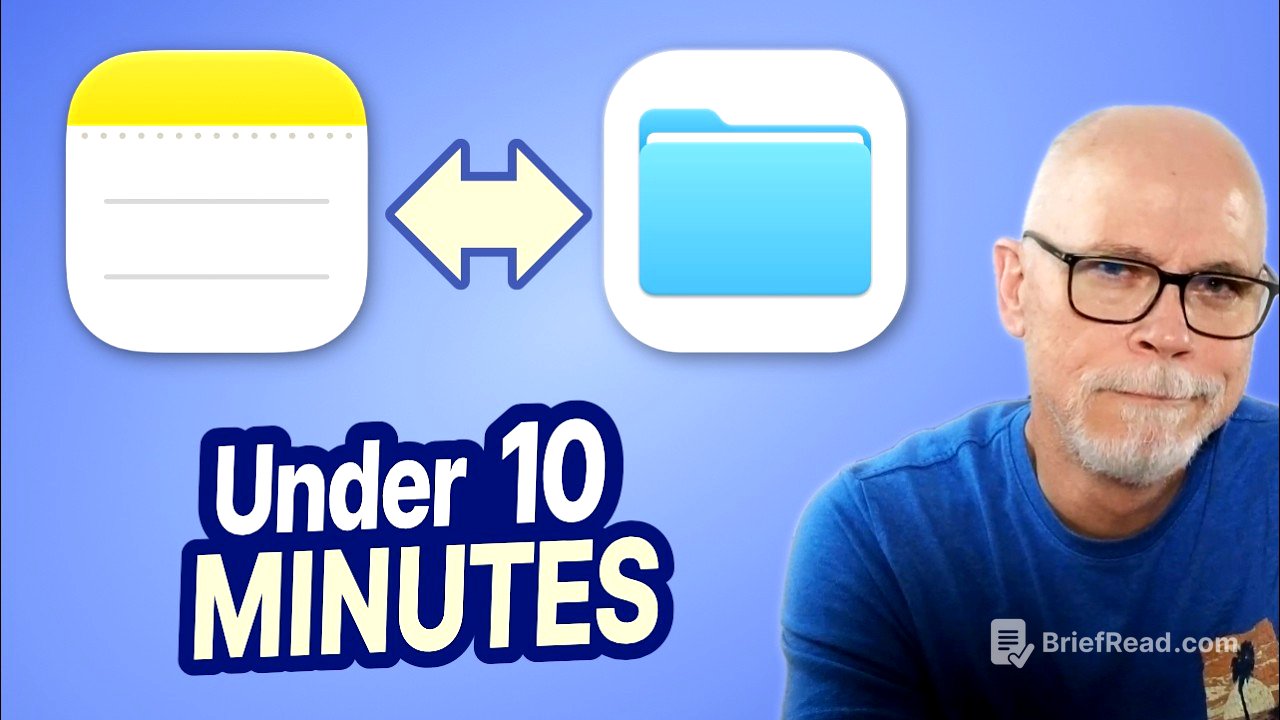
This video discusses the distinction between Notes and Files in organizing digital information. It provides guidelines on how to effectively use each based on future searchability and the nature of the content.
- Notes should be used for quick reference information.
- Files are for retaining important documents and working assets.
Introduction [0:00]
Notes and Files serve different purposes in organizing digital information. While Notes are for quick references like recipes or vehicle identification numbers, Files are meant for important documents such as tax returns and warranties. A key consideration is thinking about what information future-you might search for in a couple of years to maintain organization.
Notes [0:48]
Notes should be used for storing reference information rather than documents. Good examples include things like a vehicle's VIN or maintenance history. The focus should be on making information easily retrievable without needing to search through complex document structures. Organizing information with future searching in mind is crucial as one may forget the specifics of a title or folder location over time.
Keywords & Tags [2:20]
Using tags in Notes can be powerful but may lead to an overly complicated system without a clear organization. Instead, using simple keywords, which future-you might remember, can make retrieval easier. This approach avoids creating unnecessary organizational burdens and focuses on direct, usable information within the note itself.
Files [4:09]
Files should be used for documents that have lasting importance, like tax records or project files. While spreadsheets and word documents contain valuable information, they are working assets that don’t fit in Notes. The emphasis is on retaining the documents in a well-structured folder system, with Notes providing necessary information and context.
The Attachment Trap [5:17]
Adding attachments to Notes can lead to a disorganized mess. For example, collecting various documents for a kitchen remodel in one note might seem convenient, but it tends to create a cluttered and inefficient system. Instead, relevant notes should include context and indicate where the actual documents are stored in the Files system, maintaining a clean separation between information and documentation.
A Good Example [6:28]
When creating a note about a home renovation, include the contractor’s information and project details without cluttering it with attachments. Notations about where to find related documents keep the note functional while maintaining a structured file storage that houses all the necessary documents separately.
The Important Questions [8:05]
Deciding where to store information involves asking two main questions: Is this information for quick reference? If yes, use Notes. Is it a document or asset that needs retention or work? If yes, place it in Files. It's also essential to consider what future-you will search for, which can greatly influence the organizational choice.
Make It YOURS [8:47]
The organizational methods discussed are not one-size-fits-all; everyone should find their own way to categorize information. The goal is to think through the purpose of storing each item and how it might be retrieved later. Developing these organizational skills will enhance efficiency in digital life management over time.