TLDR;
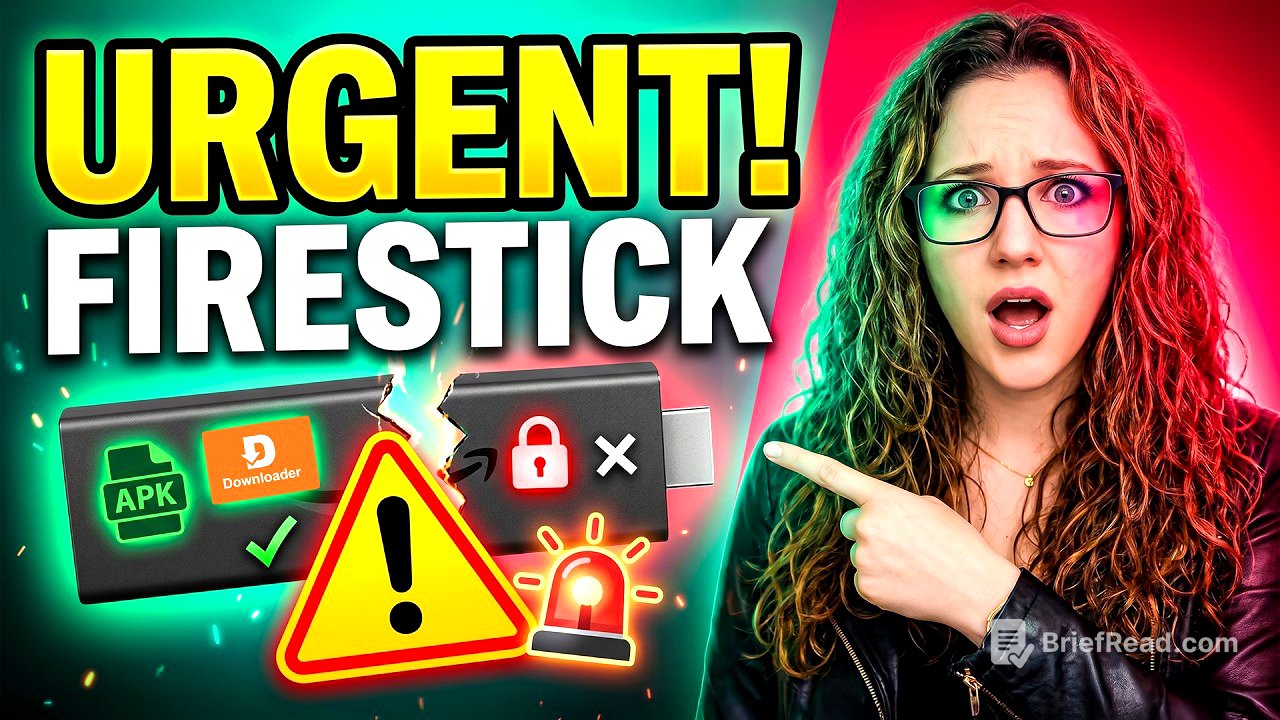
This video discusses the upcoming changes to Amazon Fire TV Sticks, focusing on the shift to the new Vega operating system and its implications for current users. It emphasizes that existing Fire OS devices will not be updated to Vega, but new devices will be shipped with Vega. The video advises users to check their current operating system before upgrading, especially if they rely on sideloaded apps or custom setups, as Vega may limit these functionalities. The key takeaway is to carefully consider your needs and usage habits before upgrading to avoid potential limitations with the new OS.
- Existing Fire OS devices will not be updated to Vega.
- New Fire TV Sticks will come with Vega.
- Vega may limit sideloading and custom apps.
- Consider your usage habits before upgrading.
What you need to know [0:00]
The video addresses concerns about existing Fire Sticks becoming obsolete due to the introduction of the Vega operating system. It clarifies that the focus is on future devices and ensuring current Fire Sticks continue to function as expected. The main point is to inform users about the changes and guide them in making informed decisions about future upgrades.
Quick answers [0:45]
The video quickly answers key questions: Fire Sticks will not stop working, sideloading is not going away, and there is no need to panic. The important actions are to consider future purchases and check the current operating system of your device.
The one thing to check [1:09]
Before upgrading, it's crucial to check the operating system of your Fire Stick. Fire OS allows for customization through Downloader and APKs, while Vega represents a different direction with potential limitations. Users who primarily use Netflix, Prime Video, and YouTube may not notice a significant difference, but those relying on APKs and custom apps should be cautious. Older Fire OS models like the Fire TV Stick 4K Max are still available for purchase but may become scarce and more expensive as resellers increase prices.
What Amazon actually said [2:27]
Amazon has stated that future Fire TV Sticks will move to Vega, but this does not apply to all devices. The expected new Fire TV Cube, potentially running Android 14, was not announced at Amazon's last event. The Fire TV Stick 4K Select was announced instead. The operating system of the next Cube remains unconfirmed, with no official word on whether it will stay on Fire OS or switch to Vega. New Fire TV Sticks are transitioning to Vega, while existing devices like the Fire TV Stick 4K Max and Fire TV Cube remain on Fire OS.
The biggest mistake [3:42]
The biggest mistake users can make is upgrading without considering their specific needs. While new Fire Sticks may appear better, they could be more limited depending on usage habits. If your current setup works well, there's no need to rush into an upgrade, and it's important not to assume that newer is always better, as Vega may not suit everyone's requirements.
Will your Firestick update to Vega? [4:08]
Current Fire Sticks are not expected to update to Vega. These devices typically do not switch to entirely different operating systems. Existing Fire OS devices will continue to receive updates within the Fire OS system, but they will not transition to Vega.
The bigger shift [4:46]
The shift to Vega is part of a broader trend, with Google also making app installs more restrictive. While sideloading is not being banned, it is becoming more difficult. This indicates a general move towards more controlled environments across different platforms.
The two paths [5:17]
The market is splitting into two paths: certified devices (Fire TV, Google TV, Apple TV) and more open setups (Android boxes, mini PCs). Certified devices are user-friendly, polished, and fully supported but offer less control. Open setups provide more flexibility but require more setup. The key decision is determining the desired level of control.
Should you upgrade? [6:09]
Upgrade if your Fire Stick is slow, struggling, or if you only use official apps. However, if you rely on Downloader, APKs, or custom setups, carefully consider the implications of upgrading, as the experience may change significantly with Vega. Your current Fire Stick is likely adequate for now, but the choice of your next device is where these considerations become crucial.
Final takeaway [6:36]
Before upgrading, avoid doing so blindly. The Fire Stick you currently own might be better suited to your needs than a newer model with Vega. Staying informed about these changes is essential for making the right decision.