TLDR;
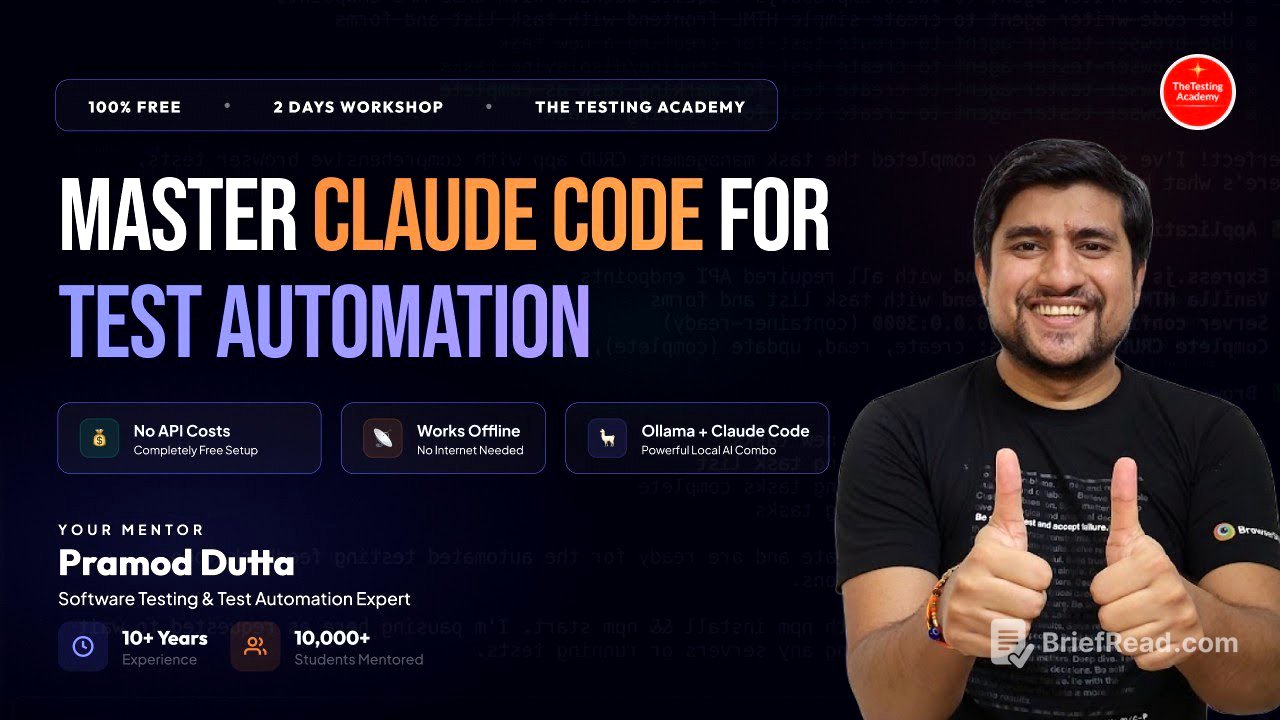
This YouTube video by The Testing Academy provides a detailed walkthrough of mastering cloud code, open code, and Kimi code for test automation. It covers installation, basic commands like init, exit, plan mode, and clear, and more advanced concepts such as context, models, and Model Context Protocols (MCPs). The session also explores how to integrate these tools with Playwright and GitHub Copilot, demonstrating practical applications like automating workflows and generating test cases. The presenter emphasizes the power of CLI tools for parallel execution and enhanced productivity, and touches on the importance of skills and pre-made prompts for AI agents.
- Installation and setup of open code, Kimi code, and cloud code.
- Basic and advanced CLI commands for test automation.
- Integration with Playwright and GitHub Copilot for practical applications.
- Importance of skills and pre-made prompts for AI agents.
- Benefits of CLI tools for parallel execution and enhanced productivity.
Introduction and Setup [0:00]
The video begins with a welcome and a quick recap of the previous session, focusing on the installation of open code, Kimi code, and cloud code. The presenter shares installation links for cloud code, including a free version, and discusses the pricing for Kimi 2.5, highlighting options for obtaining it at a discounted rate. He emphasizes that these tools are replicas and that the choice of which to use depends on individual preferences.
Installation Links and Tool Overview [2:44]
The presenter shares installation links for cloud code, Kimi code, and open code, explaining the cost differences and availability of free versions. He highlights that cloud code has a paid version at $20 per month, while open code is almost free. Kimi 2.5 is available for free for a limited time. The presenter emphasizes that all three tools are replicas and the choice depends on user preference.
CLI Tools and Their Advantages [4:51]
The presenter explains the reasons for using CLI tools, emphasizing that they offer faster performance and the ability to spawn multiple versions compared to UI tools. He demonstrates how CLI allows for parallel execution, coding, documentation, fixing, and debugging by running multiple agents on the same directory. This contrasts with the one-to-one interaction in UI-based tools, where tasks are performed sequentially.
Basic Commands: Init, Exit, and Plan Mode [7:18]
The presenter introduces basic commands such as init, which analyzes the project and provides information about its structure. He explains that the init command is similar across cloud code, Kimi, and open code. The exit command is used to close the current session. The presenter also discusses plan mode, which allows for planning without executing code, and edit mode, which enables coding.
Advanced Commands and Features [16:18]
The presenter covers advanced commands and features, including running from the root directory, using clompt files for project-level information, and using shift toggle for plan and auto-edit modes. He demonstrates how to use the escape key to cancel commands and how to drag and drop screenshots into cloud code. The presenter also explains the clear command, which clears the context and starts a fresh session.
Context Command and Skills [20:04]
The presenter explains the context command, which displays the current context and available skills. He emphasizes the importance of skills, which are pre-made prompts that enhance the AI agent's capabilities. The presenter demonstrates how to add skills to cloud code, enabling it to perform tasks such as writing API tests and running security tests. He highlights that the more skills an agent has, the more versatile it becomes.
Model Selection and Resume Command [30:24]
The presenter discusses the model command, which allows users to select different models such as Opus 4.6, Sonet, and Haiku. He also explains the resume command, which restarts a previous session. However, the resume command is not available in open code or Kimi.
Model Context Protocol (MCP) and Playwright Integration [32:37]
The presenter introduces Model Context Protocol (MCP), which enables communication between cloud code and other tools like Playwright. He demonstrates how to add a Playwright MCP and use it to automate tasks such as opening a website, entering credentials, and verifying error messages. The presenter also shows how to use MCP to get locators for UI elements.
GitHub Copilot Integration and MCP Servers [46:59]
The presenter demonstrates how to integrate GitHub Copilot with MCP servers, allowing it to control browsers and automate tasks. He explains how to install Playwright MCP into VS Code and use it to open a website. The presenter emphasizes that the same tasks can be performed using cloud code, Kimi code, open code, or anti-gravity with Google Gemini.
Skills and Their Role [57:35]
The presenter revisits the concept of skills, explaining that they are a way to teach agents about specific information. He highlights that cloud code is the foundation for many of these tools and that CLI mode is the most powerful mode for test automation. The presenter also discusses the dangerously skip permission option, which gives cloud code unrestricted access.
GitHub Portfolio Creator Demo [1:04:25]
The presenter demonstrates how to create a GitHub portfolio creator for QA professionals using cloud code with dangerously skip permission. He explains that this tool will generate a UI where users can enter their details, and then generate a file that can be uploaded to GitHub. The presenter shows the tool in action, filling out the form and generating a preview.
Deployment to Vercel and Code Review [1:18:07]
The presenter pushes the code to a GitHub repository and deploys it to Vercel, making it a live application. He explains that the tool is fixing XSS vulnerabilities in the code. The presenter demonstrates the live application, showing how users can enter their details and generate a readme file.
Conclusion and Q&A [1:26:10]
The presenter concludes the session by summarizing the commands and concepts covered. He announces a new session on Monday and promotes the AI tester blueprint batch. The presenter then answers questions from the audience, discussing topics such as using cloud code for personal projects, testing conversational AI, and extracting locators using selenium.