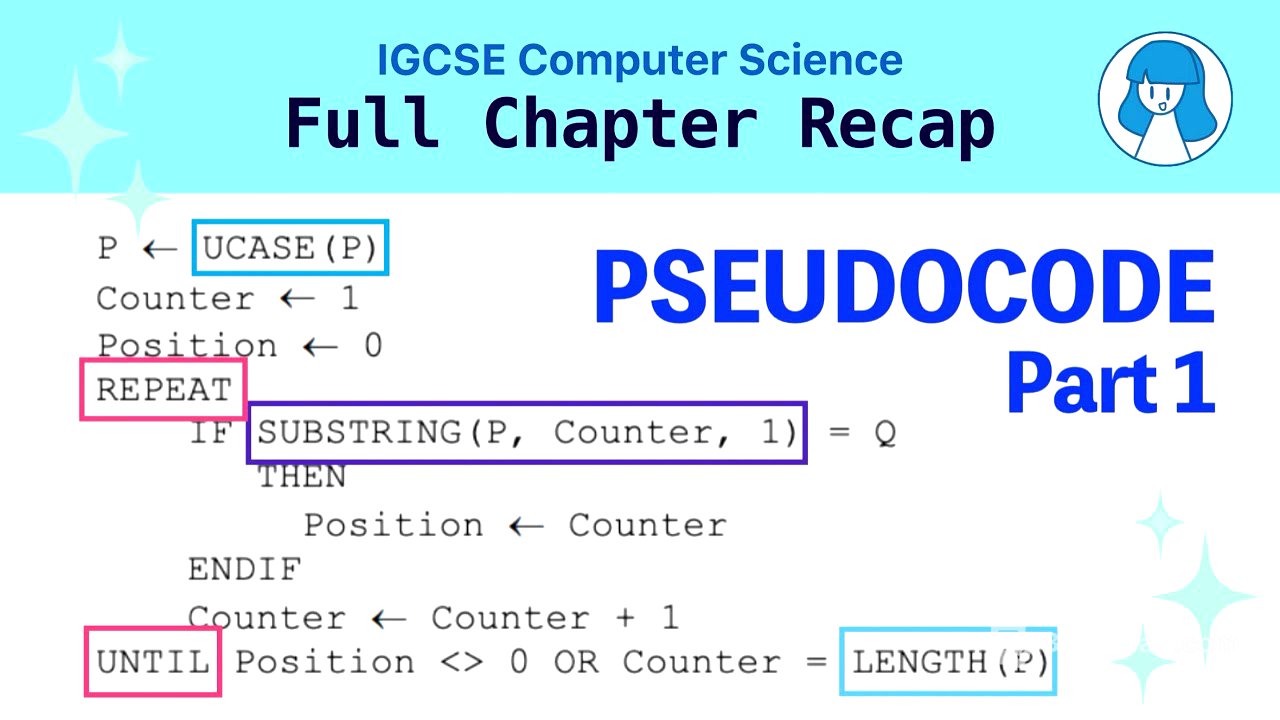
TLDR;
This video serves as the first part of a two-part revision series on pseudo code statements for the RGCSE computer science exam. It covers declaring constants and variables, assignment statements, inputs and outputs, arithmetic operations (including MOD and DIV), relational and logical operations, IF statements, CASE statements, and different types of loops (FOR, REPEAT UNTIL, and WHILE).
- Constants are declared with
CONSTANTand store unchanging values. - Variables are declared with their name and data type, storing values that can change.
- Input is received using
INPUT, and output is displayed usingOUTPUT. - Arithmetic operations follow standard mathematical precedence, with
DIVfor integer division andMODfor remainder. - Relational and logical operators (
AND,OR,NOT) facilitate complex conditional statements. IFstatements execute code blocks based on conditions, with optionalELSEclauses and nesting.CASEstatements perform actions based on a variable's value, offering an alternative to nestedIFstatements.- Loops include
FOR(count-controlled),REPEAT UNTIL(post-condition), andWHILE(pre-condition) structures.
Declaring Constants and Variables [0:18]
Constants are used to store values that do not change during the program's execution. They are declared using the keyword CONSTANT followed by the constant name, an equal sign, and the value (e.g., CONSTANT workingDays = 5). Variables, on the other hand, store values that can change as the program runs. Variables are declared by specifying the variable name and its data type (e.g., songsReleased INTEGER).
Assignment Statements [0:58]
To assign a value to a variable, a left arrow (<-) is used to indicate that a value is being stored in the variable. For example, songsReleased <- 33 assigns the integer value 33 to the variable songsReleased. The value of a variable can be updated later in the program by assigning it a new value, potentially based on its current value or the values of other variables, ensuring that the data types are compatible.
Inputs and Outputs [1:32]
To get input from the user and store it in a variable, the INPUT keyword is used, followed by the name of the variable (e.g., INPUT username). To display the contents of a variable or other values, the OUTPUT keyword is used, followed by the variable name, string, or number (e.g., OUTPUT username, OUTPUT "Hello"). Multiple values can be outputted on the same line by separating them with commas in the OUTPUT statement.
Arithmetic Operations (including MOD and DIV) [2:01]
Standard arithmetic operators (+, -, *, /) are used for mathematical operations. Multiplication and division have higher precedence than addition and subtraction, but using brackets can clarify the order of operations in complex expressions. The DIV operation performs integer division, discarding any decimal part of the result (e.g., 5 DIV 2 results in 2). The MOD operation returns the remainder after division (e.g., 5 MOD 2 results in 1).
Relational and Logical Operations [3:09]
Relational operators (>, <, >=, <=, =, <>) are used to compare two values. Logical operators (AND, OR, NOT) are used to perform Boolean operations and create more complex conditions. For example, IF age >= 18 AND height >= 160 THEN OUTPUT "Entry Granted" uses the AND operator to check if both conditions are true.
IF Statements [3:44]
IF statements are used to make decisions based on whether a condition is true or false. The basic structure is IF condition THEN statements ENDIF. An optional ELSE clause can be included to execute different statements if the condition is false. IF statements can be nested inside other IF statements to handle more complex decision-making scenarios.
CASE Statements [5:06]
CASE statements are used when a program needs to perform different actions based on the value of a variable. The structure involves specifying the variable to check and then listing possible CASE values with corresponding statements. An optional OTHERWISE clause can be included to handle cases where none of the specified values match the variable's value. CASE statements can be more concise than nested IF statements when comparing multiple values of the same variable.
Types of Loops [6:04]
There are three main types of loops: count-controlled, post-condition, and pre-condition loops. Count-controlled loops (like FOR loops) are used when the number of iterations is known in advance. Post-condition loops (like REPEAT UNTIL loops) execute at least once before checking the loop condition. Pre-condition loops (like WHILE loops) check the condition before each iteration, and may not execute at all if the condition is initially false.
FOR Loops [6:58]
FOR loops are count-controlled loops used when the number of iterations is known. The structure is FOR identifier <- value1 TO value2 statements ENDFOR. The loop variable (identifier) is assigned each integer value from value1 to value2, and the statements inside the loop are executed after each assignment. For example, FOR i <- 1 TO 3 OUTPUT "Hello" ENDFOR will output "Hello" three times.
REPEAT UNTIL Loops [8:17]
REPEAT UNTIL loops are post-condition loops that execute the statements inside the loop at least once before checking the condition. The structure is REPEAT statements UNTIL condition. The loop continues to execute until the condition becomes true. For example, a loop that prompts the user for a password might use REPEAT until the correct password is entered.
WHILE Loops [8:50]
WHILE loops are pre-condition loops that check the condition at the beginning of the loop. The structure is WHILE condition DO statements ENDWHILE. The statements inside the loop are executed only if the condition is true. The loop terminates when the condition becomes false. For example, WHILE number > 9 DO number <- number - 1 ENDWHILE will continue to subtract 1 from number as long as number is greater than 9.